1
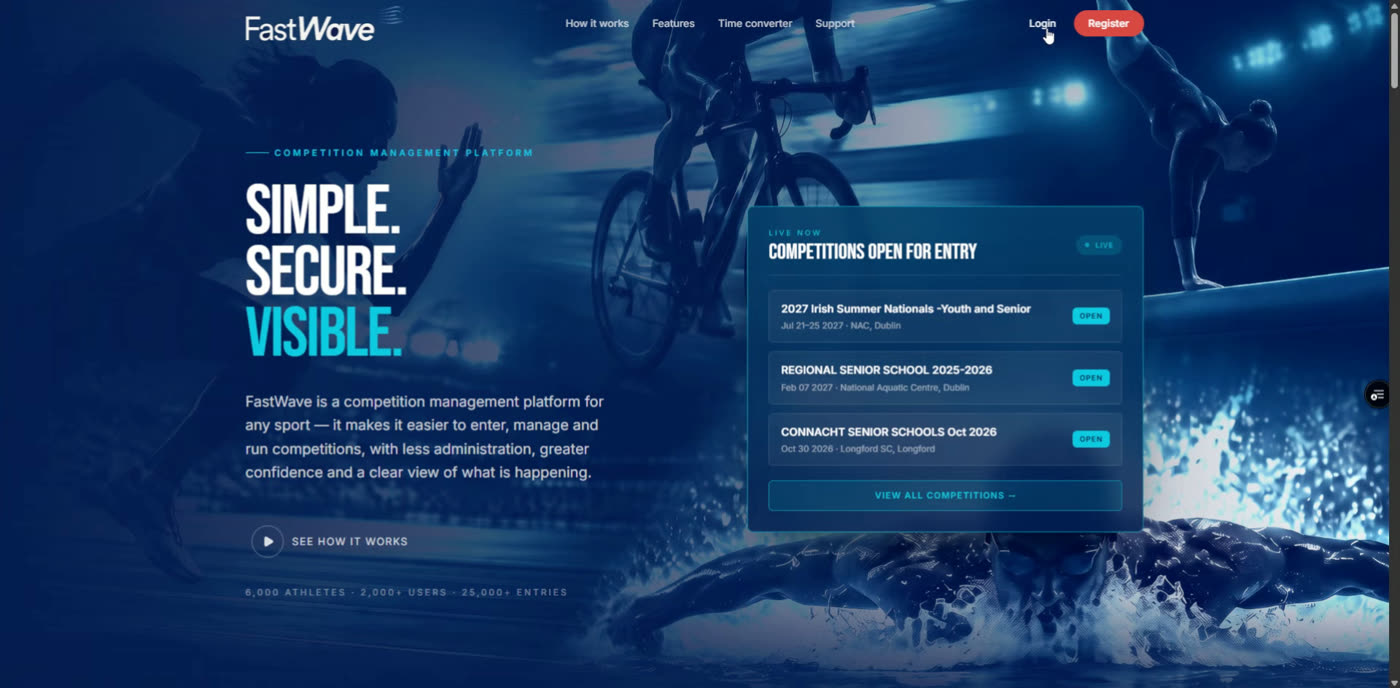
Go to the Fastwave website
Open your browser and visit www.fastwave.ie to reach the homepage.
Enter your details, verify your email and finish setting up, in 16 quick steps.
Open your browser and visit www.fastwave.ie to reach the homepage.
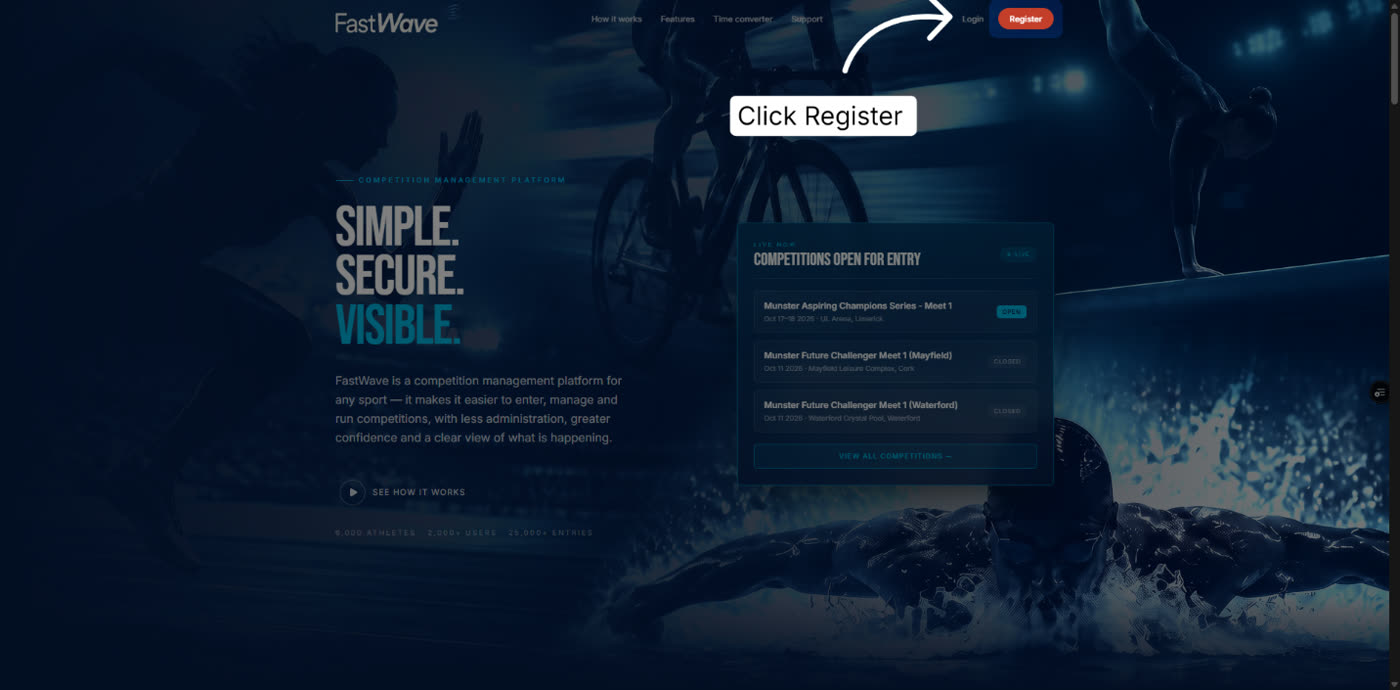
Click the Register button to open the registration form.
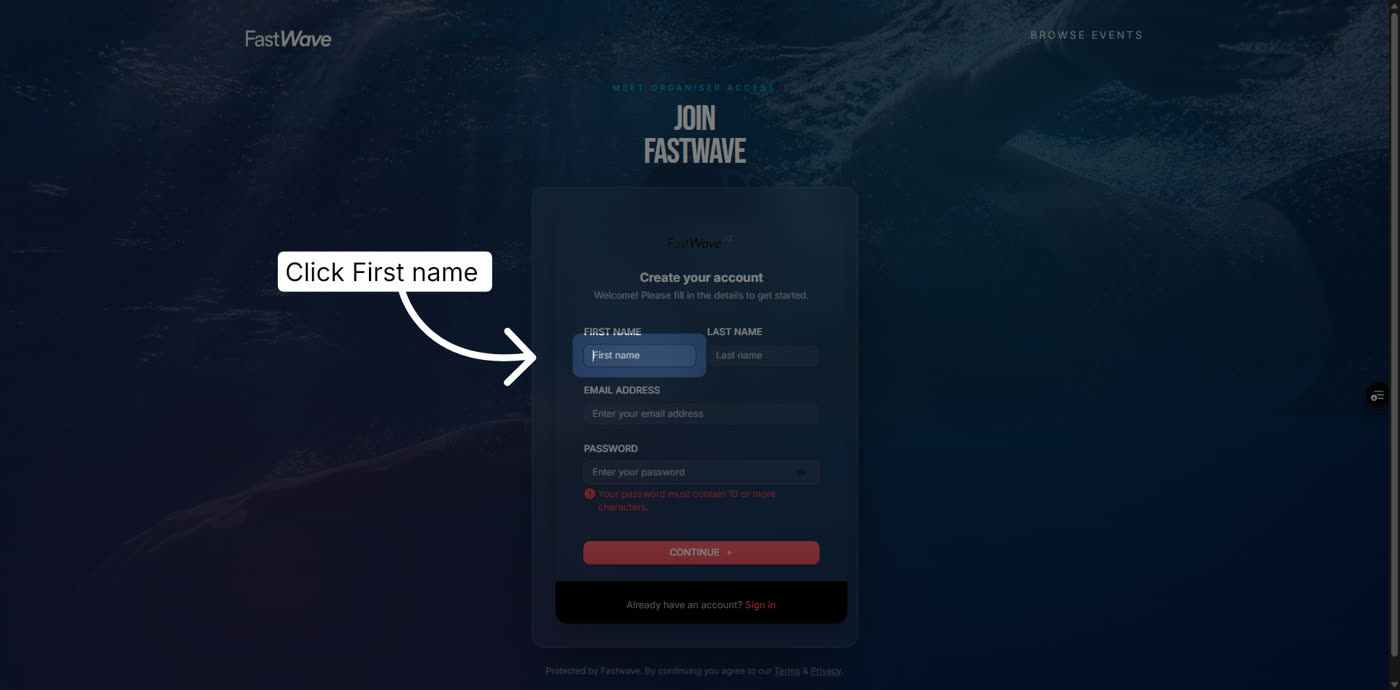
Click the first name field to start entering your personal details.
Type your first and last name so your account can be identified.
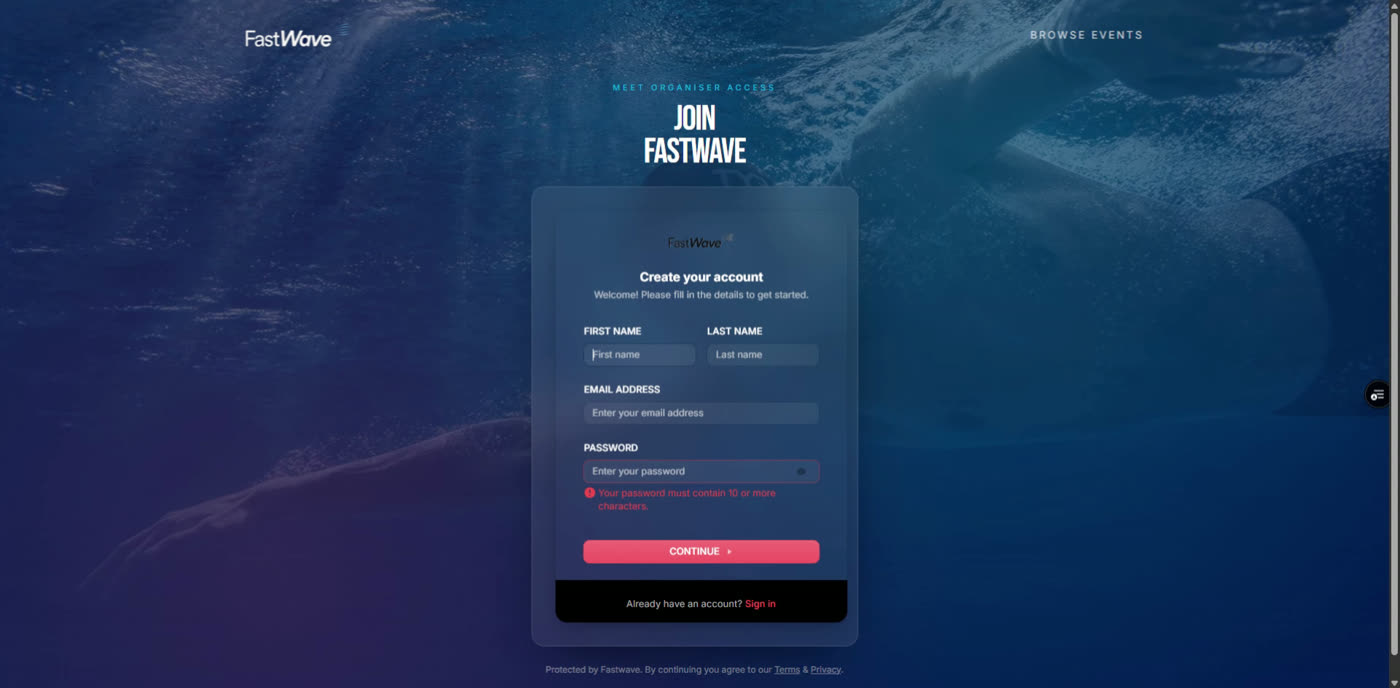
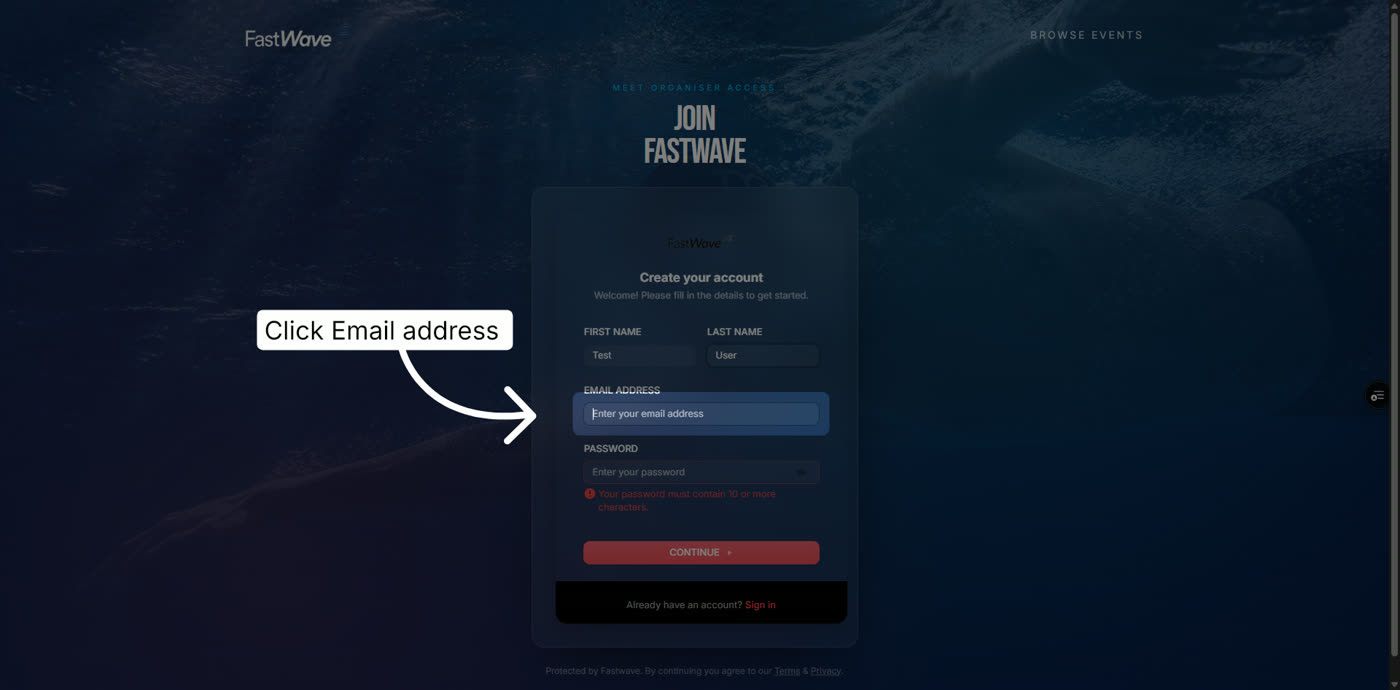
Click the email address field and add the email you want to use.
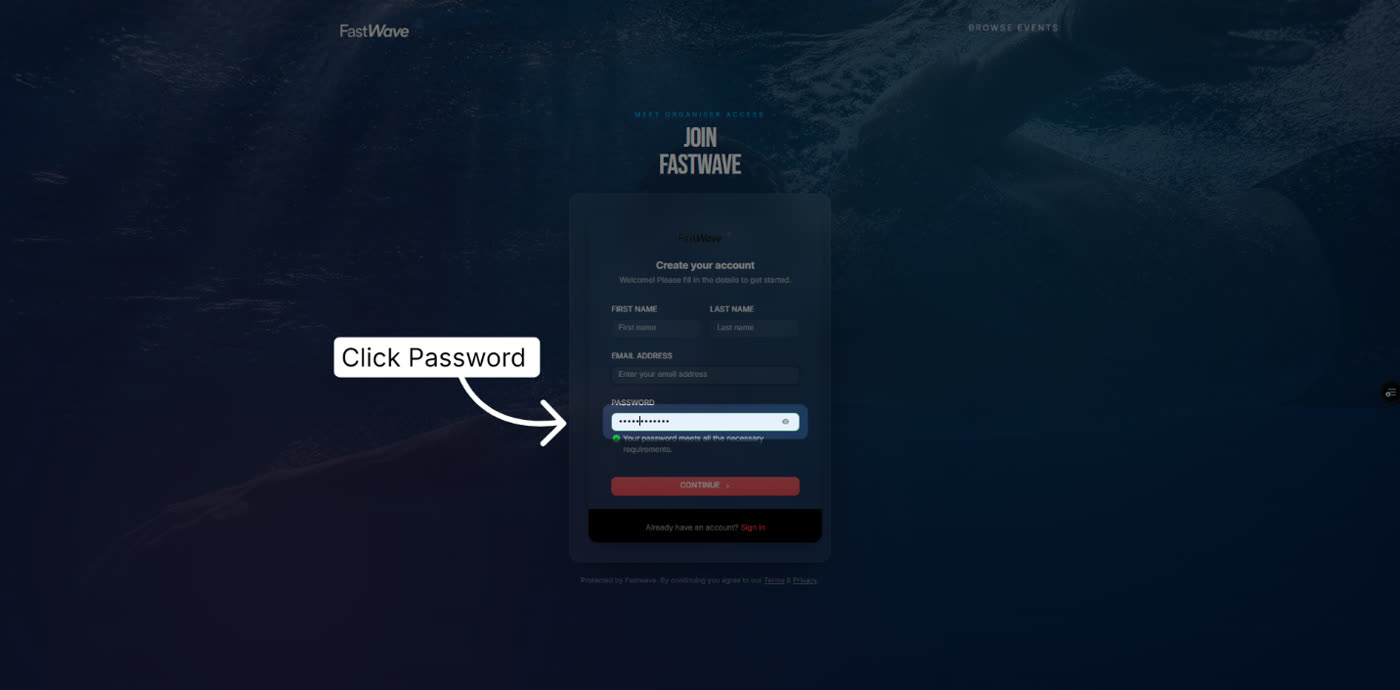
Click the password field and enter a password of your choosing.
Tip: Your password must be 10 or more characters.
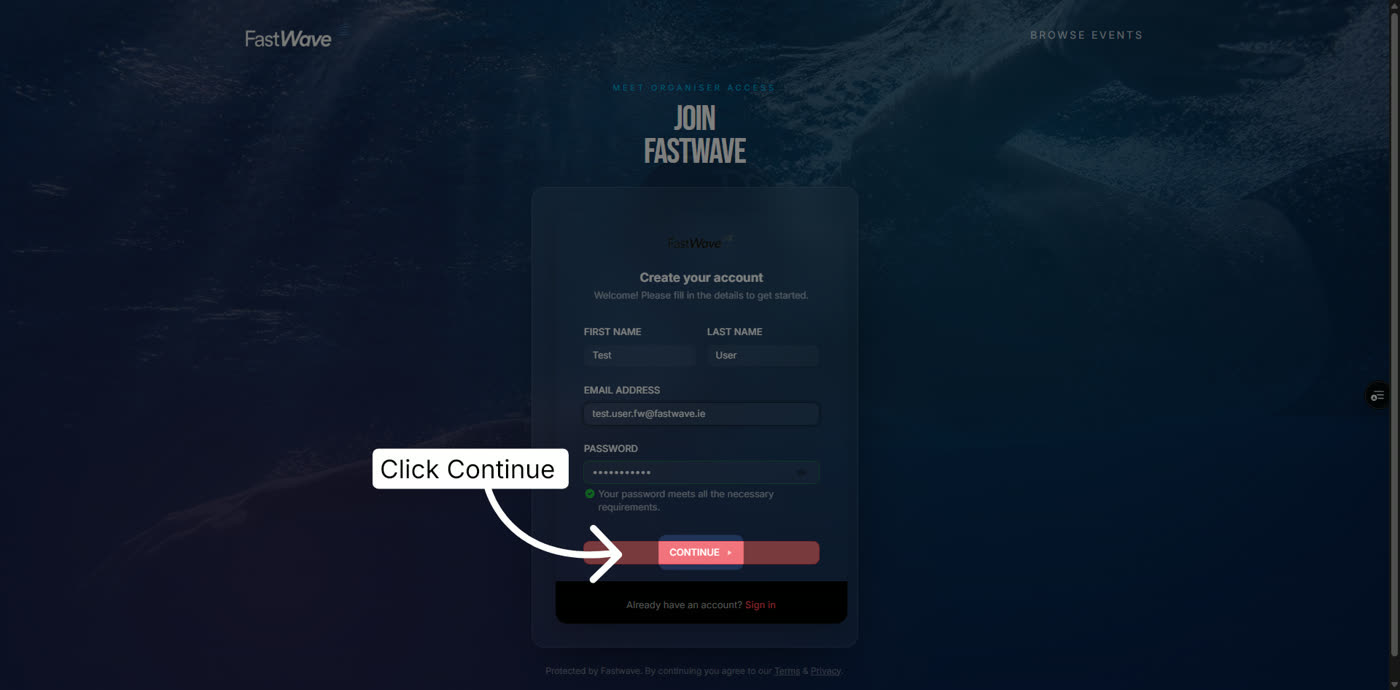
Once your details are in and the password is accepted, click Continue. We'll send a verification email to the address you entered.
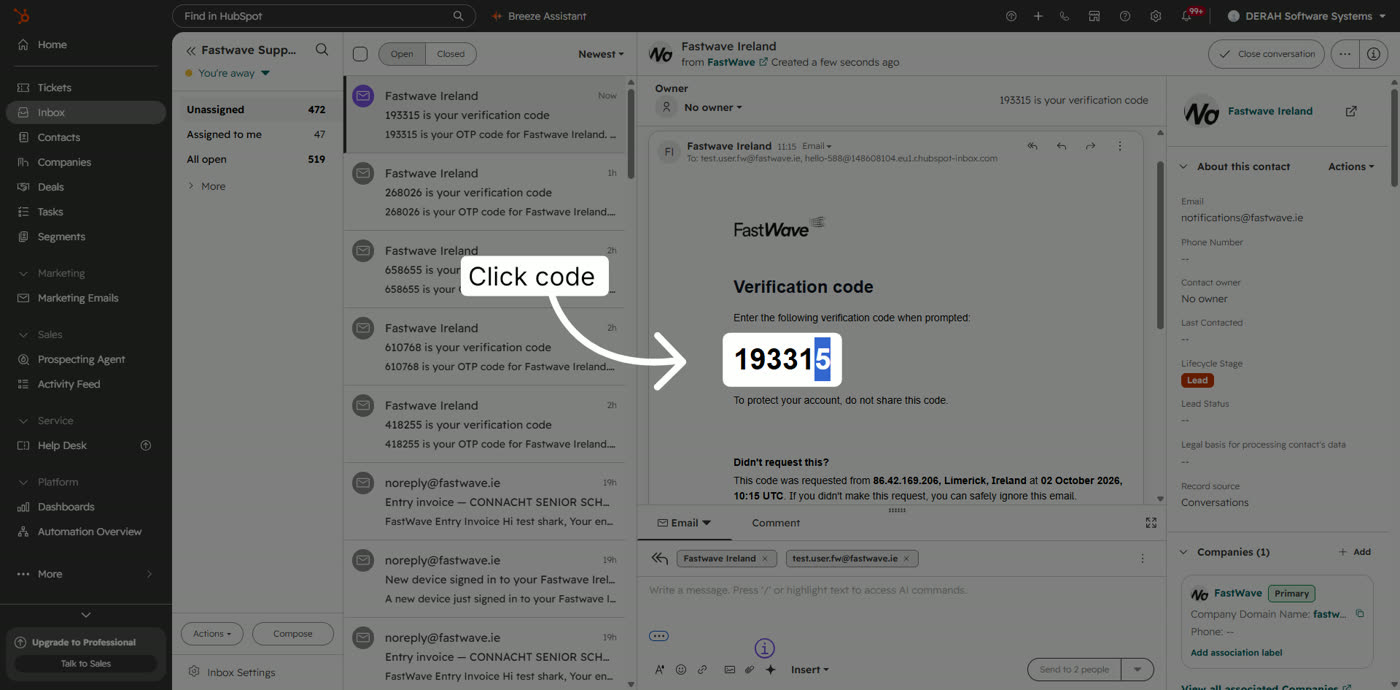
Open the email from Fastwave and note the verification code.
Tip: Can't see it? Check your spam or junk folder.
Click the verification code field and type in the code from your email.
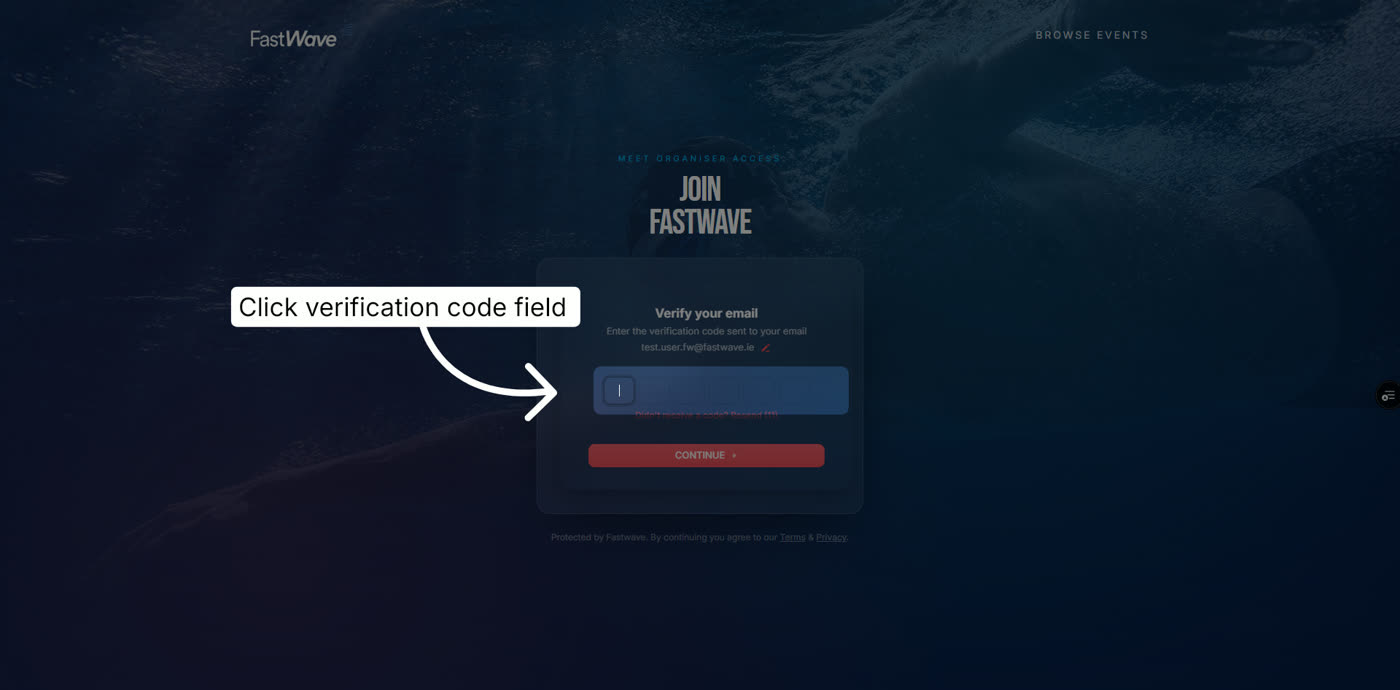
Click the phone number field. It's used for account recovery.
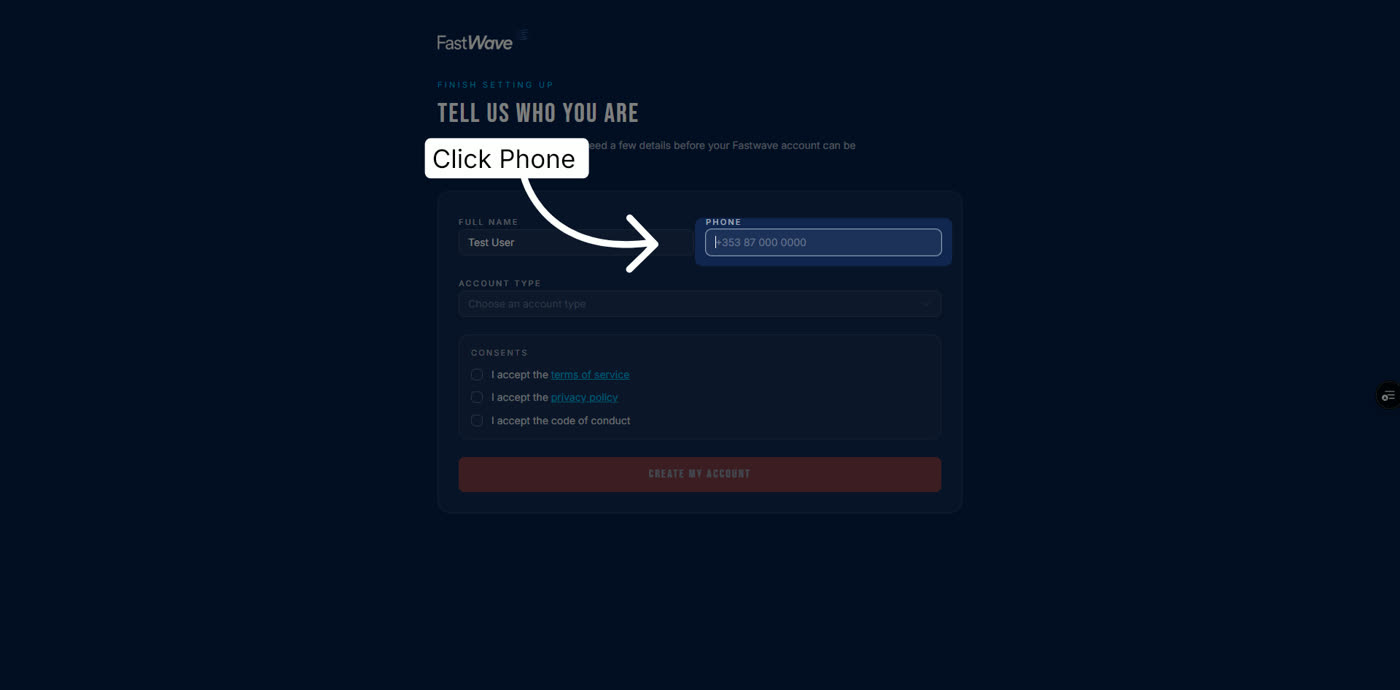
Type in your phone number to enable extra security features.
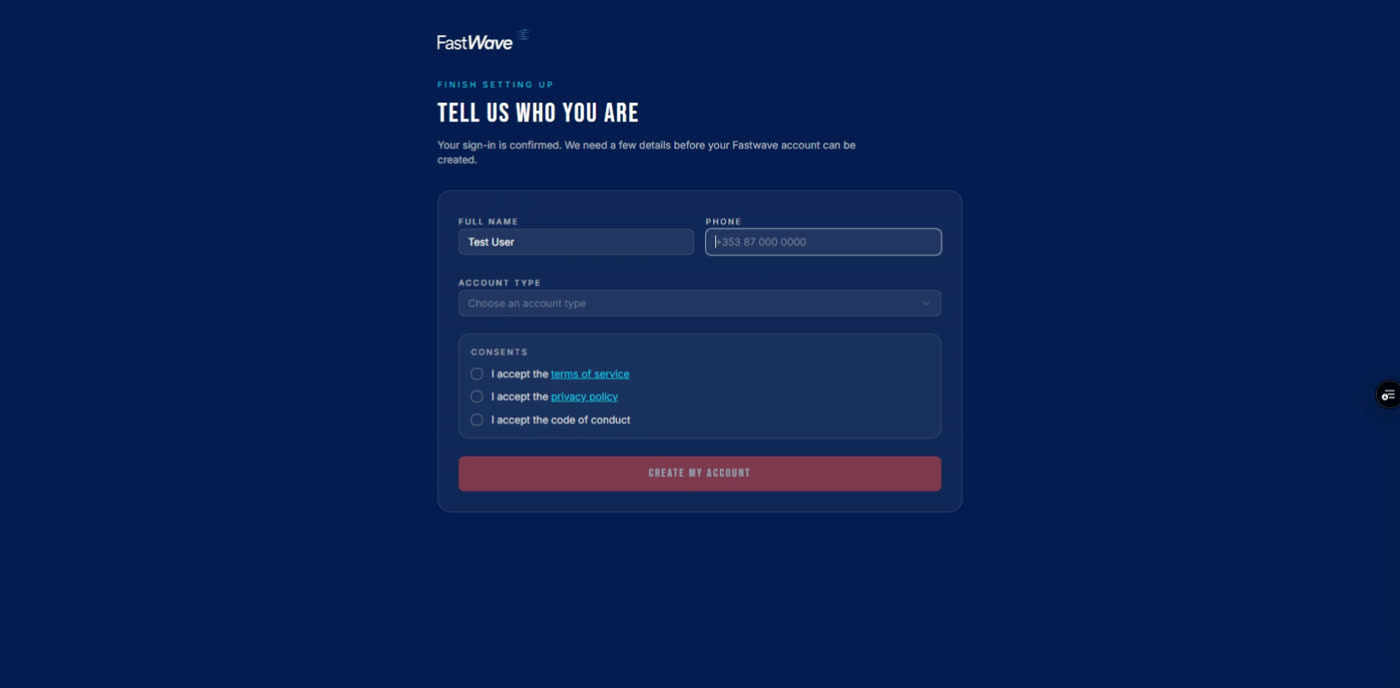
Open the Account type list and select School coordinator.
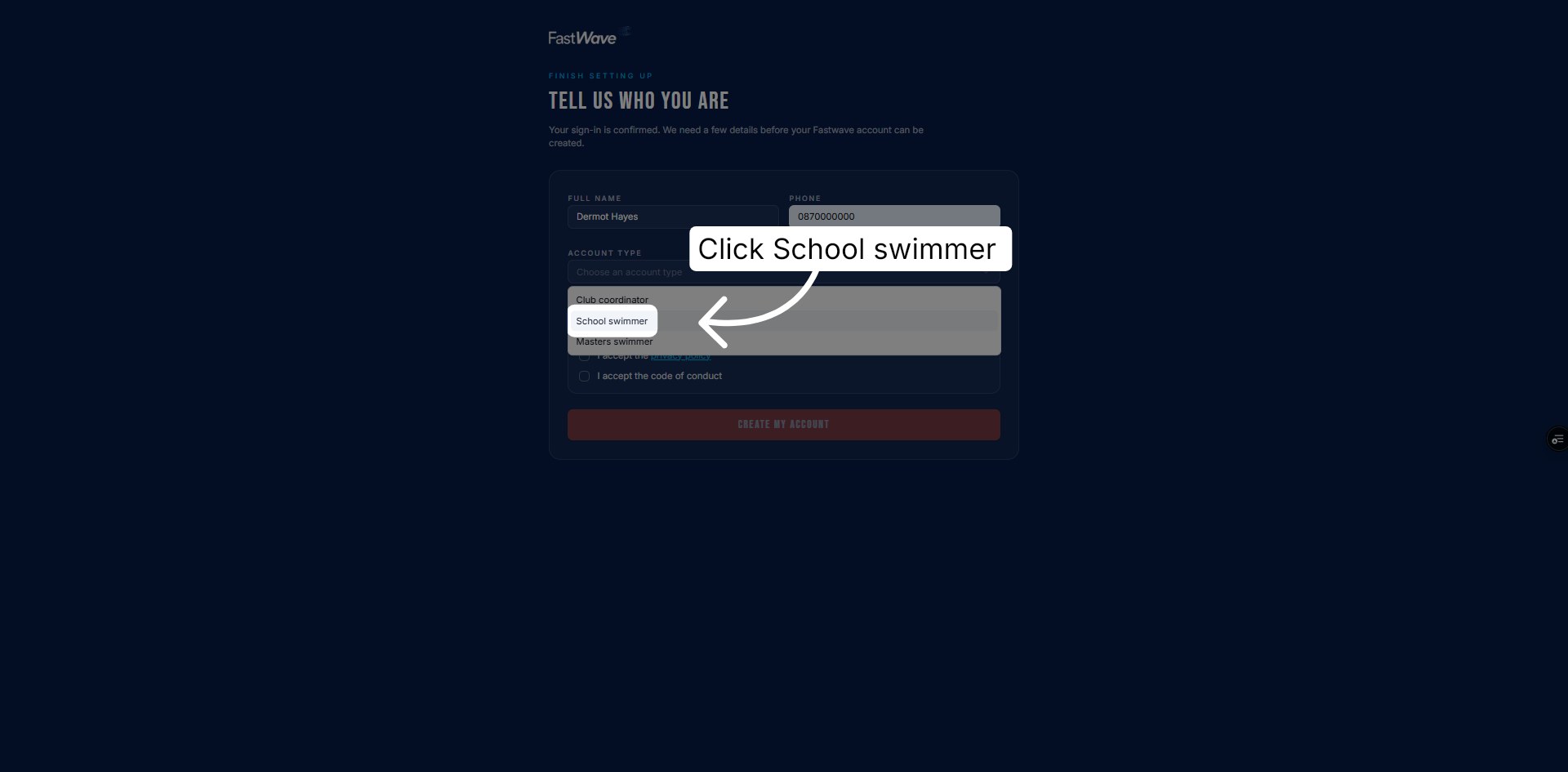
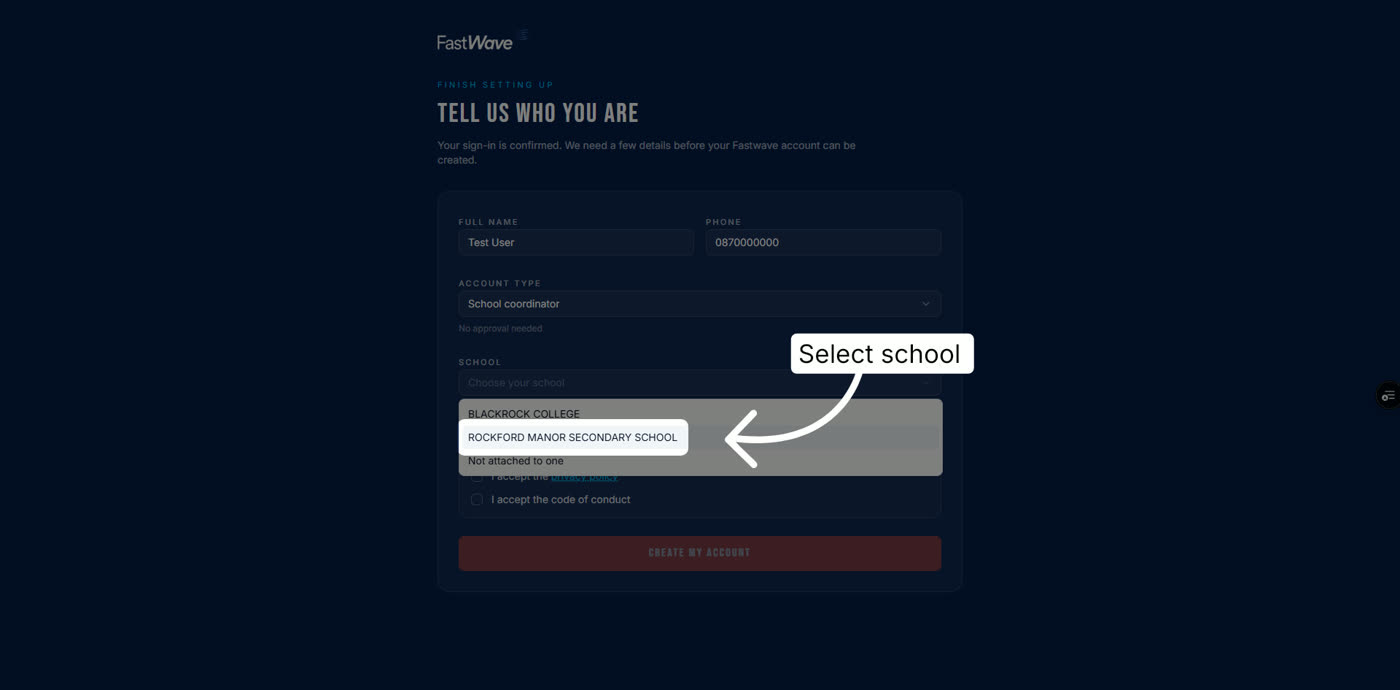
Pick your school from the list to link your account to it.
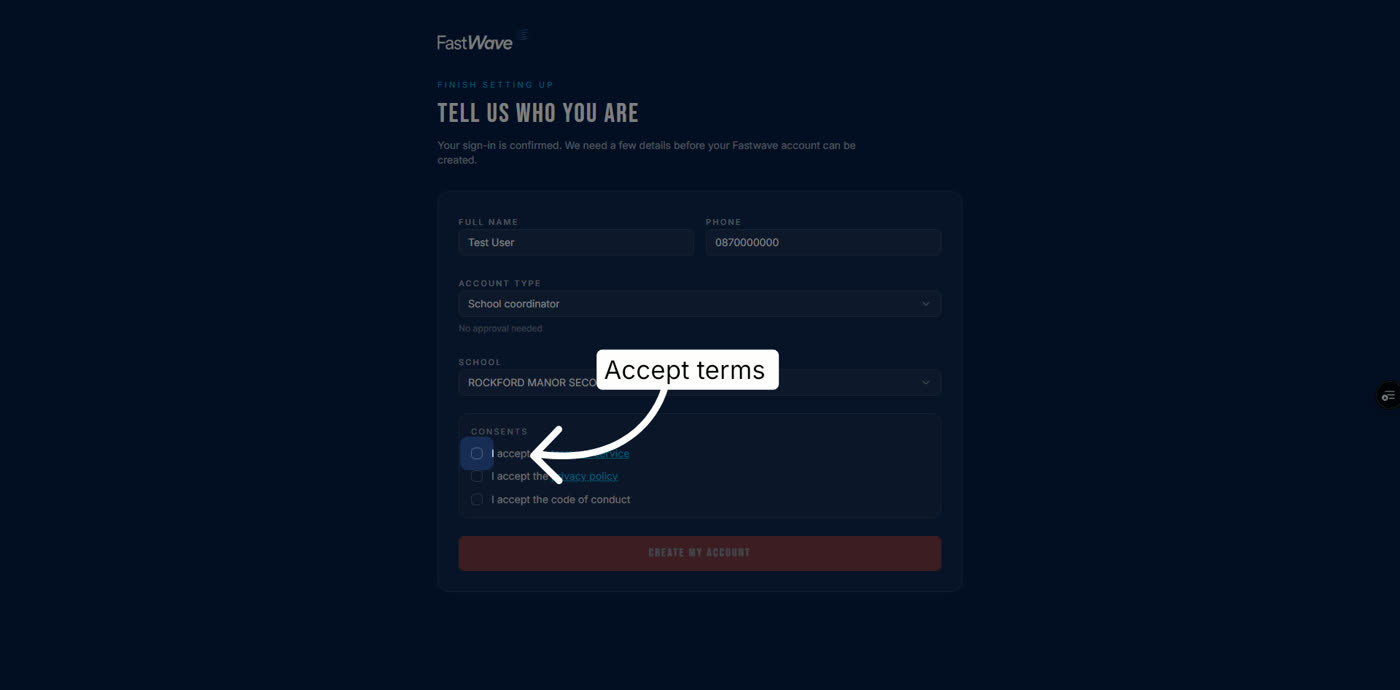
Tick the box to agree to the platform's terms of service.
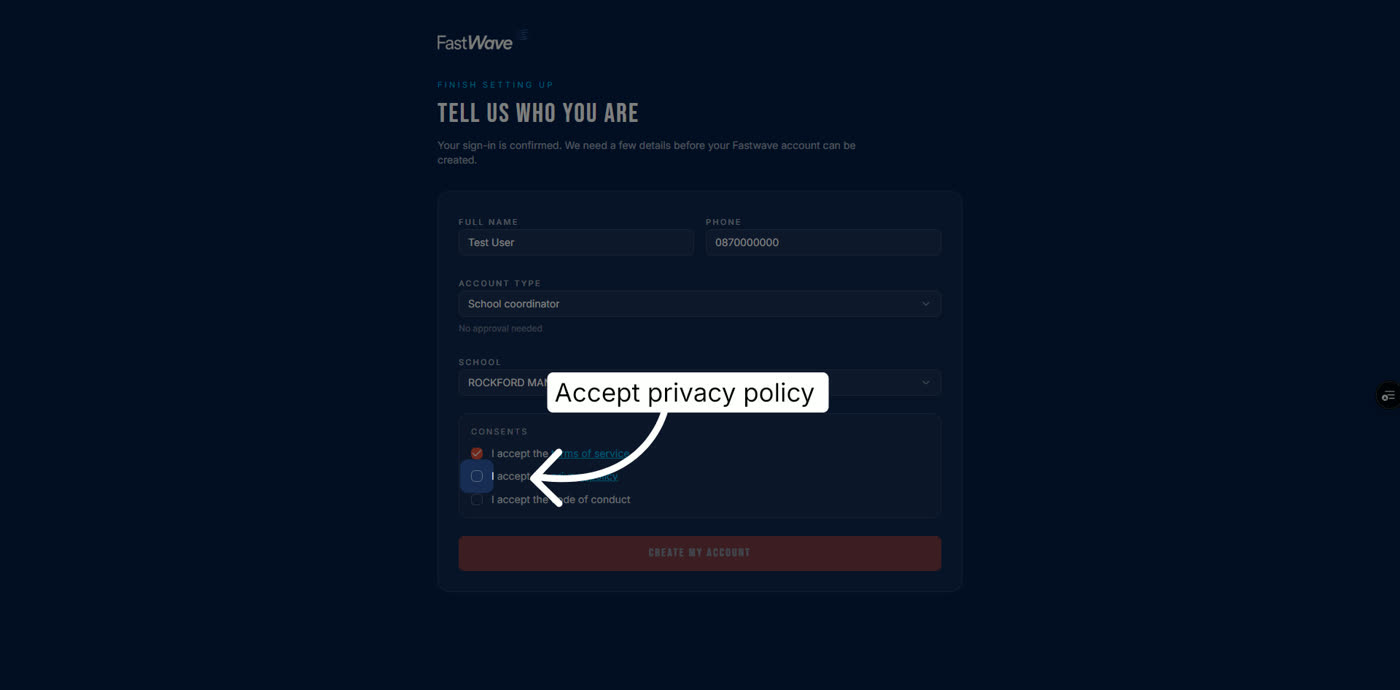
Tick the privacy policy and code of conduct boxes.
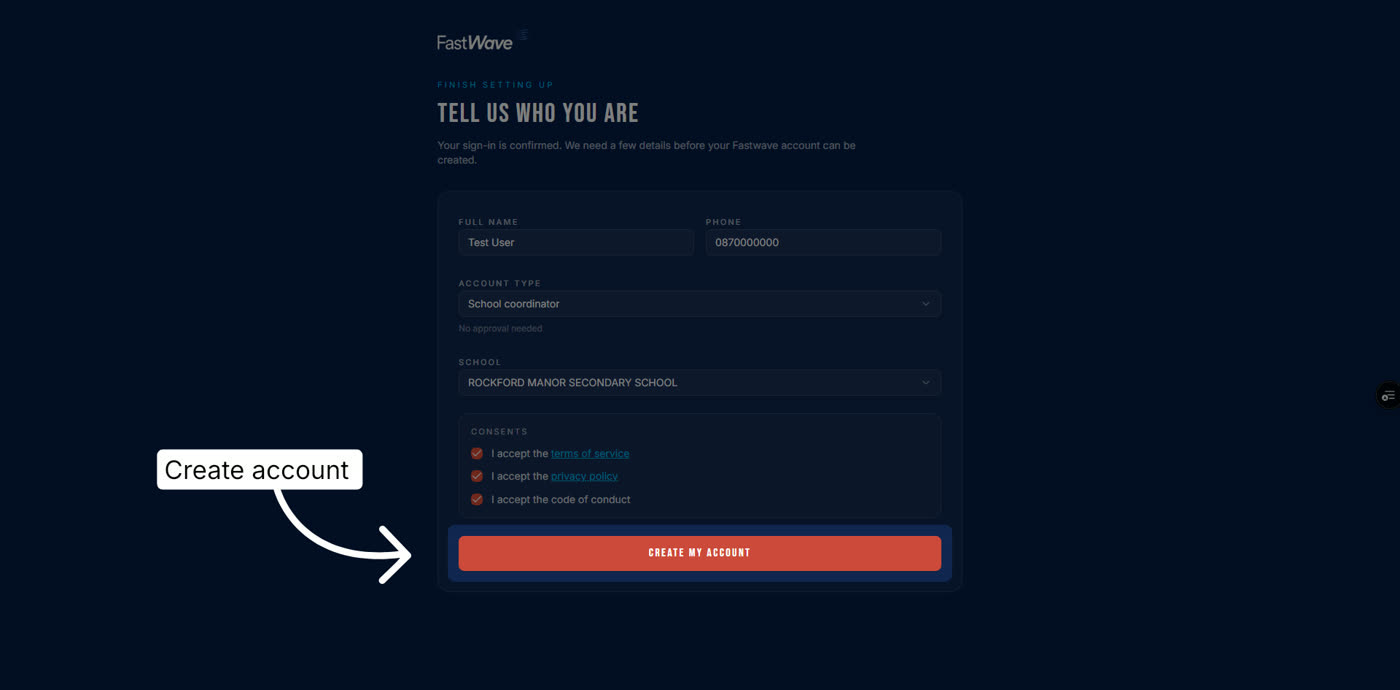
Click Create my account to finish.
Your Fastwave account is ready. Head back to fastwave.ie and sign in.
Back to home page