1
Open international registration
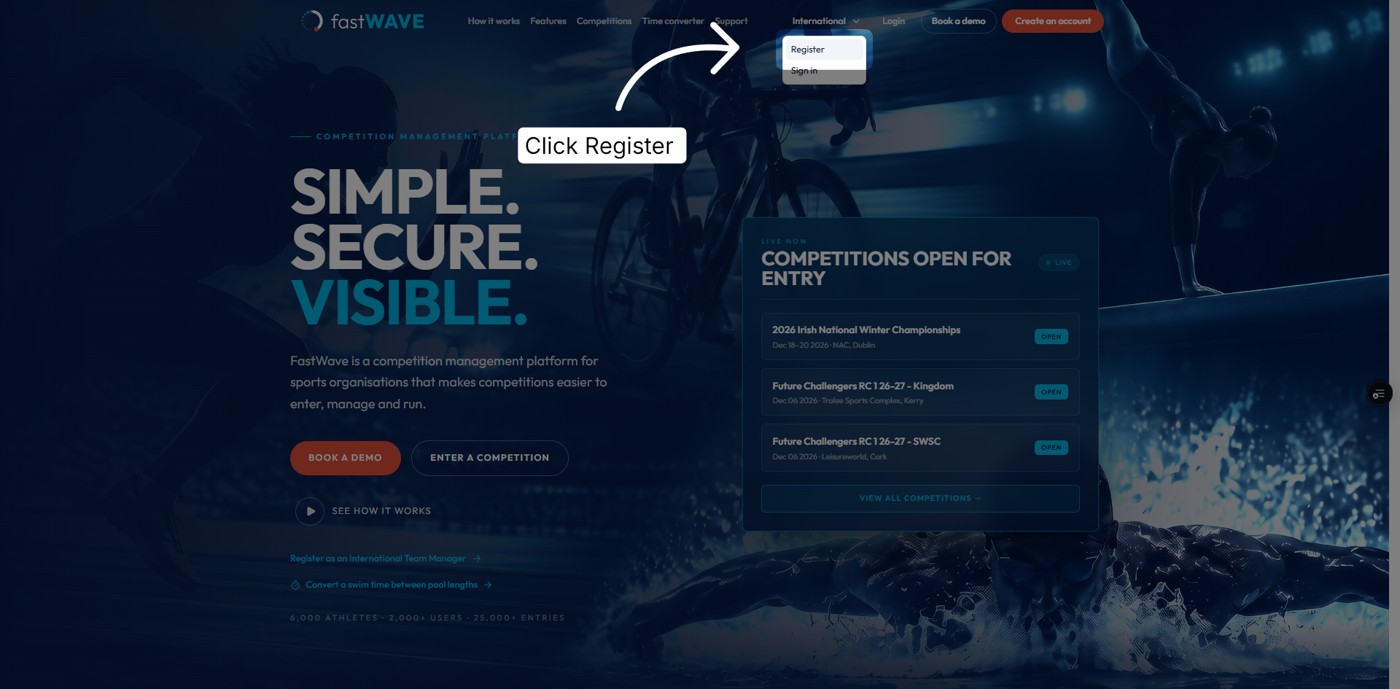
On the Fastwave homepage, click Register to open the International Team Manager registration form.
Create your Fastwave account, wait for Swim Ireland approval and sign in — in 12 clear steps.
On the Fastwave homepage, click Register to open the International Team Manager registration form.
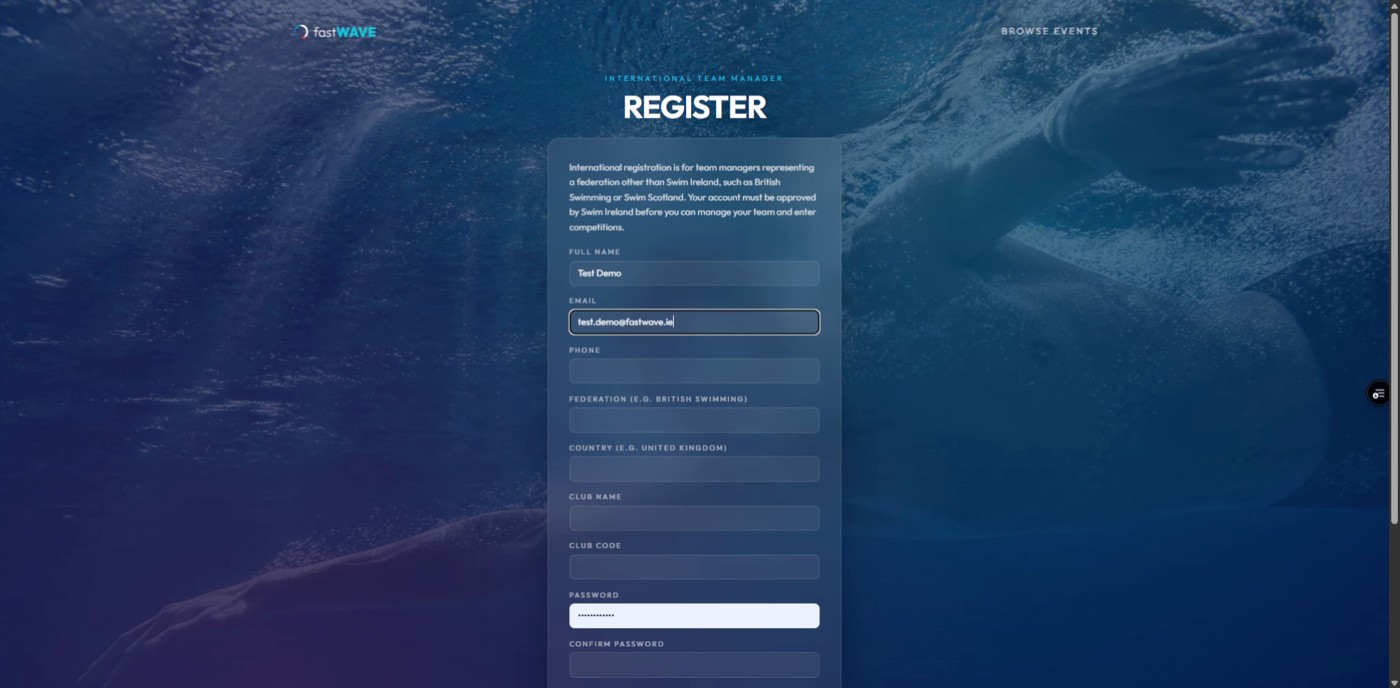
Fill in Full name and Email with your own details. Use an email address you can access to receive the approval notification.
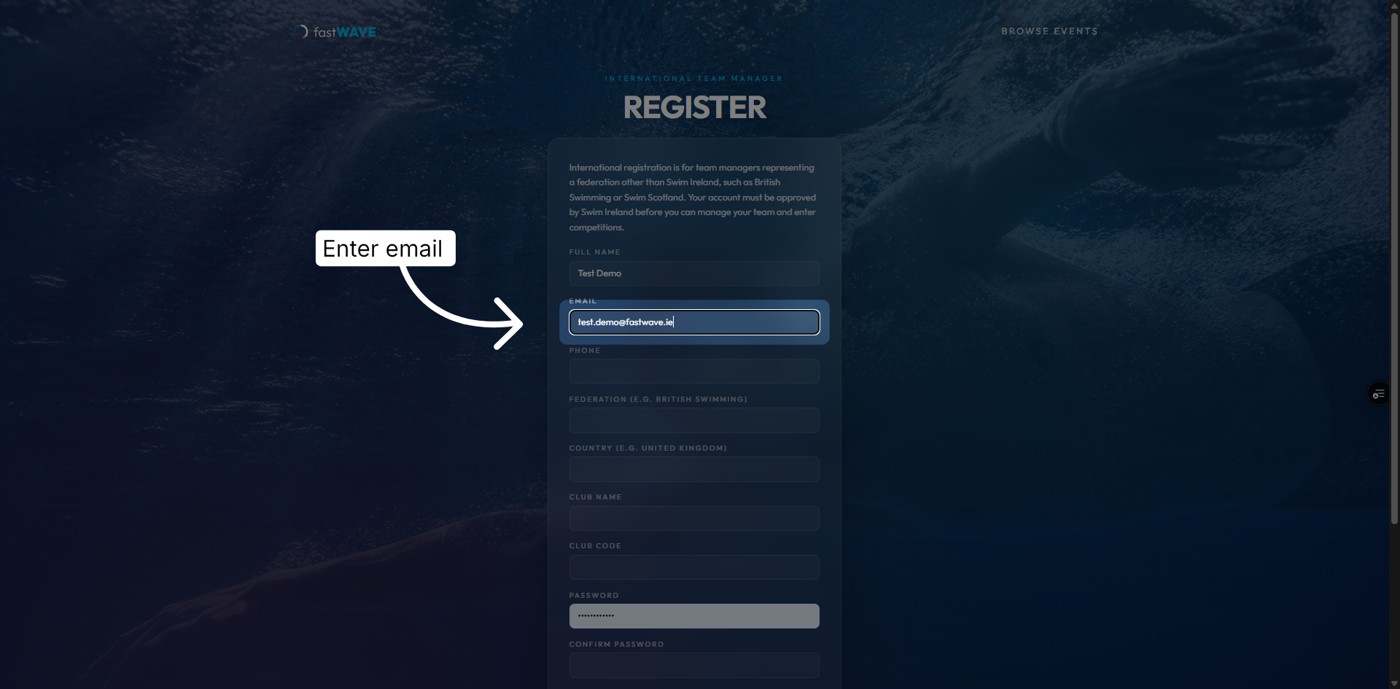
Fill in the Phone field with your contact number.
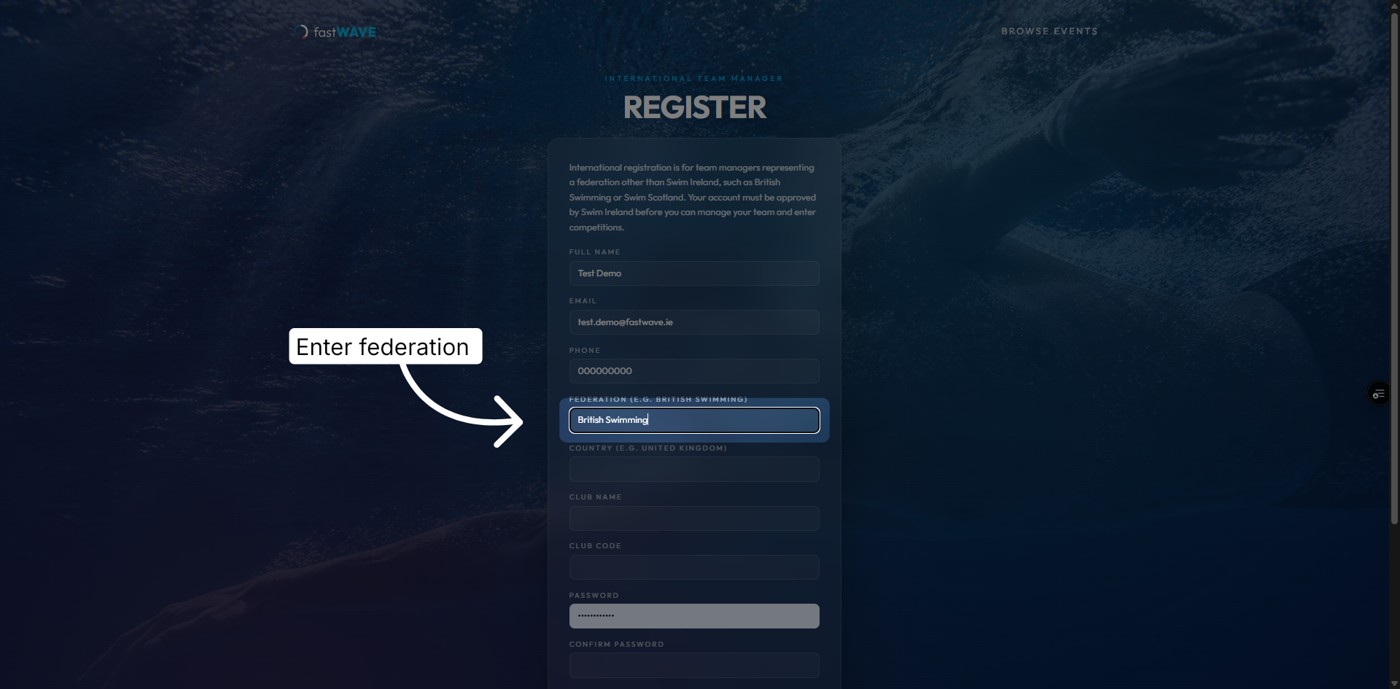
Enter the name of the federation you represent in Federation. British Swimming is the example shown.
Enter your country in Country. The form shows United Kingdom as an example.
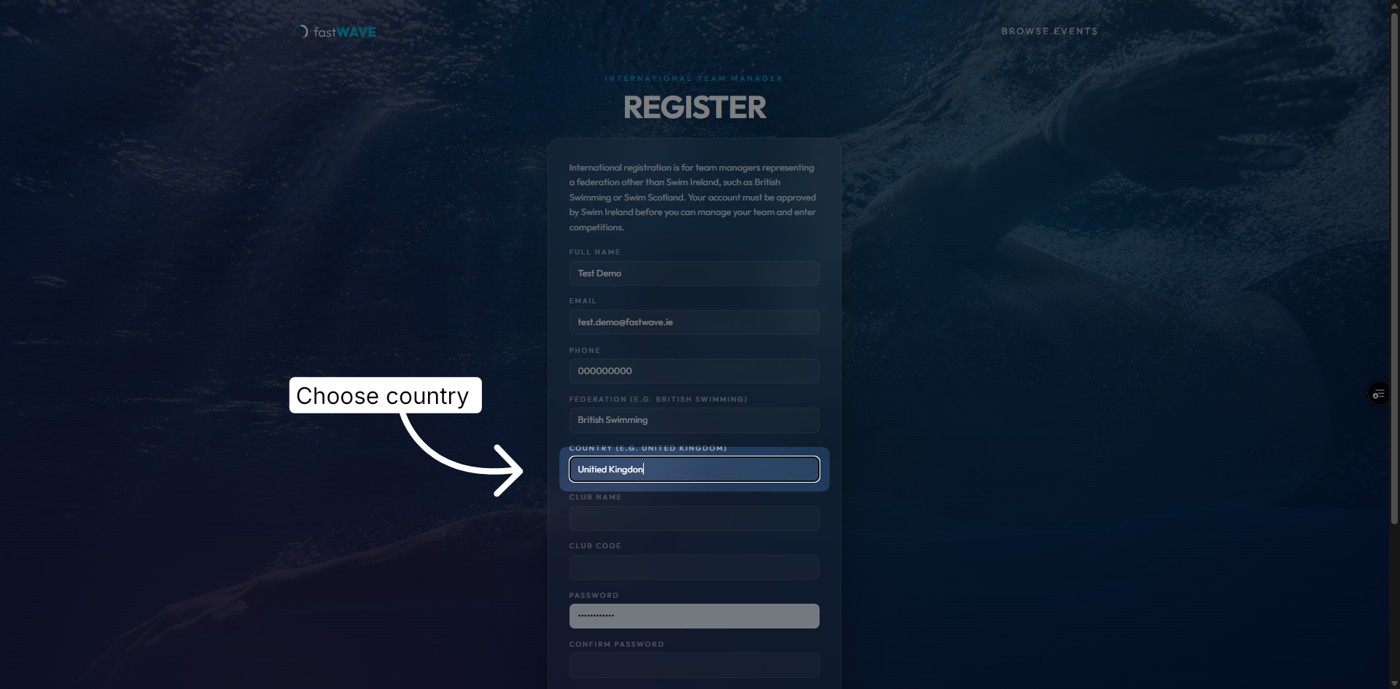
Fill in Club name and Club code with the details for your club.
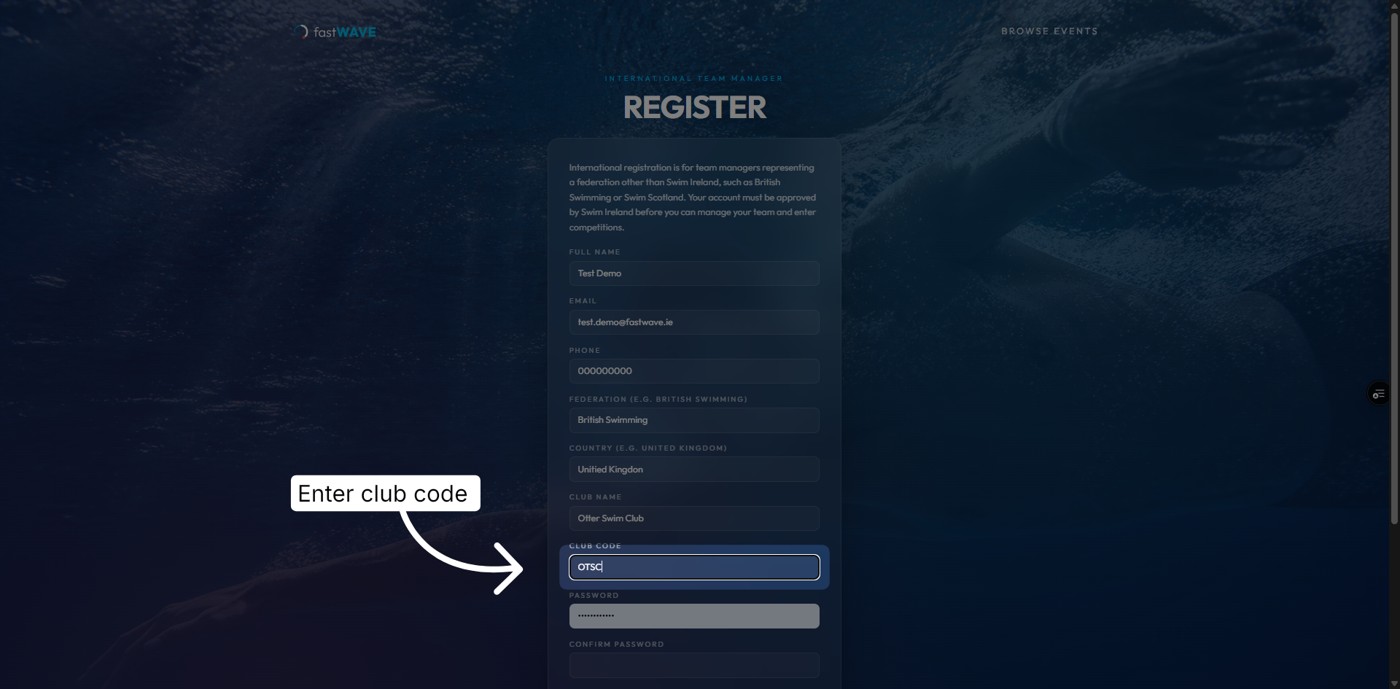
Enter the password you want to use for your account in Password.
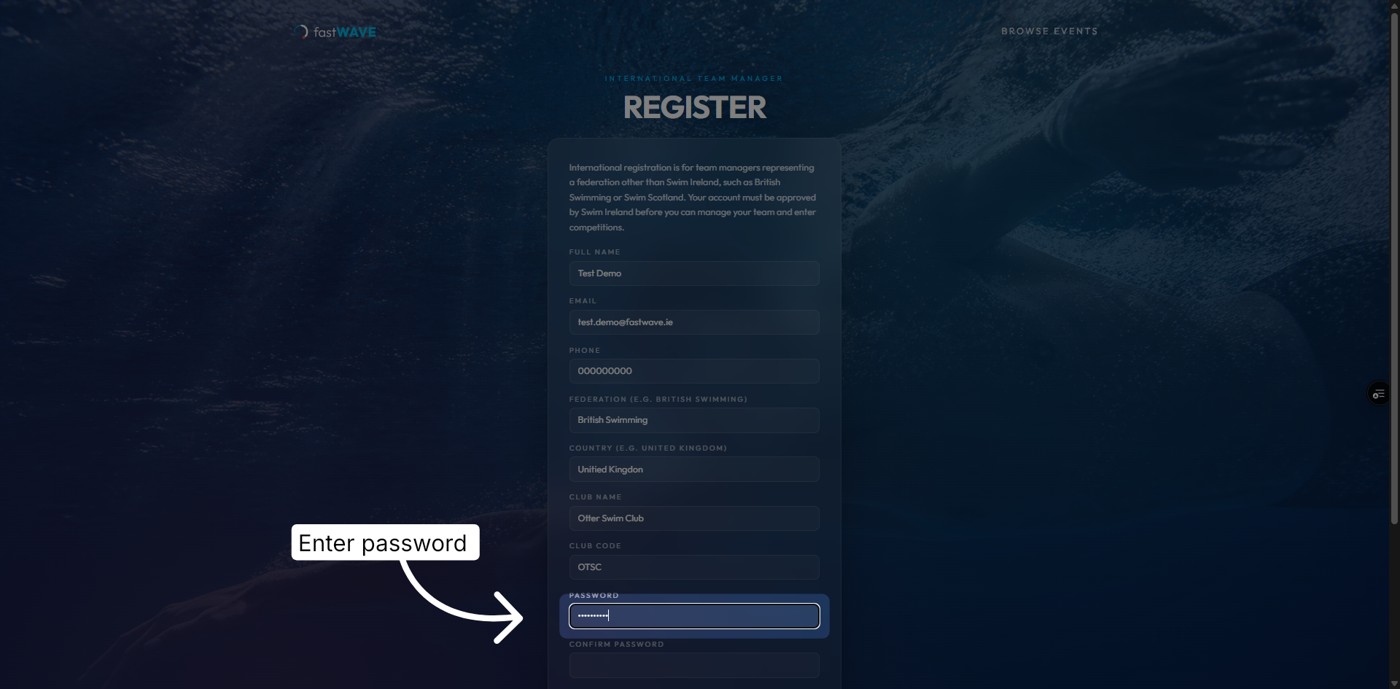
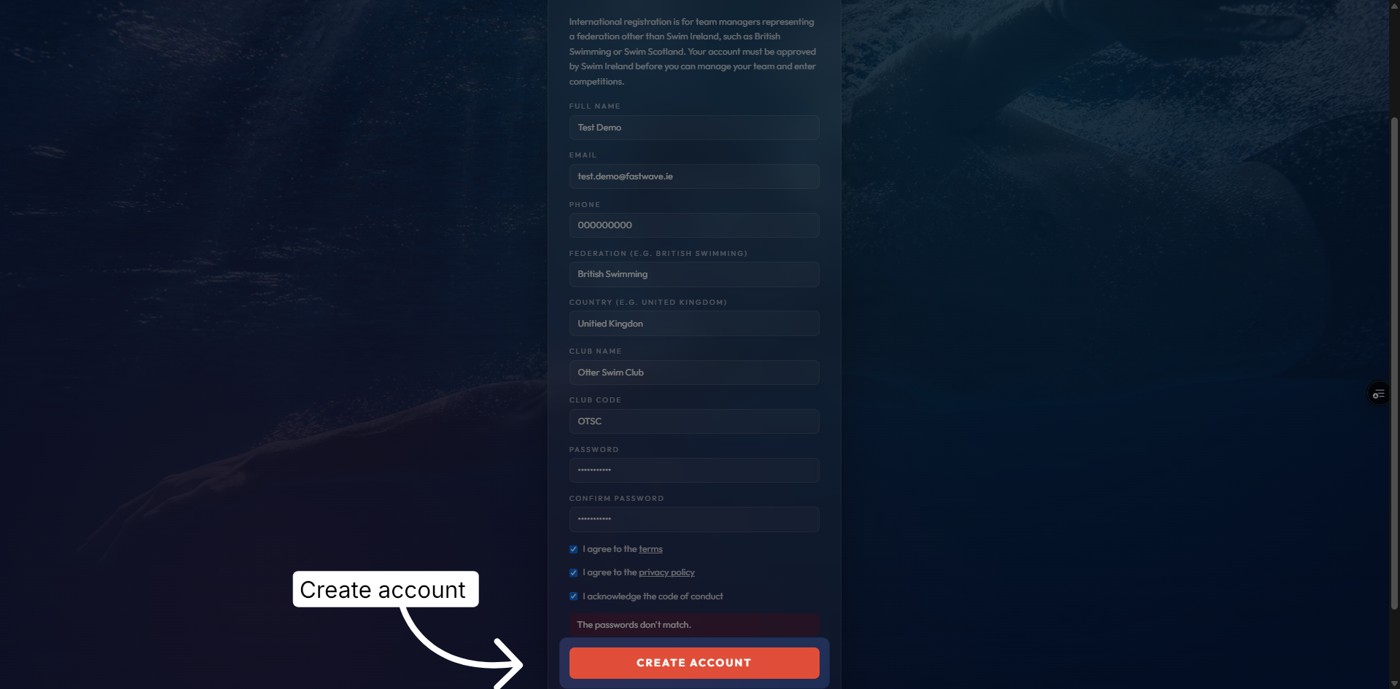
Re-enter the same password in Confirm password. Check that both passwords match before continuing.
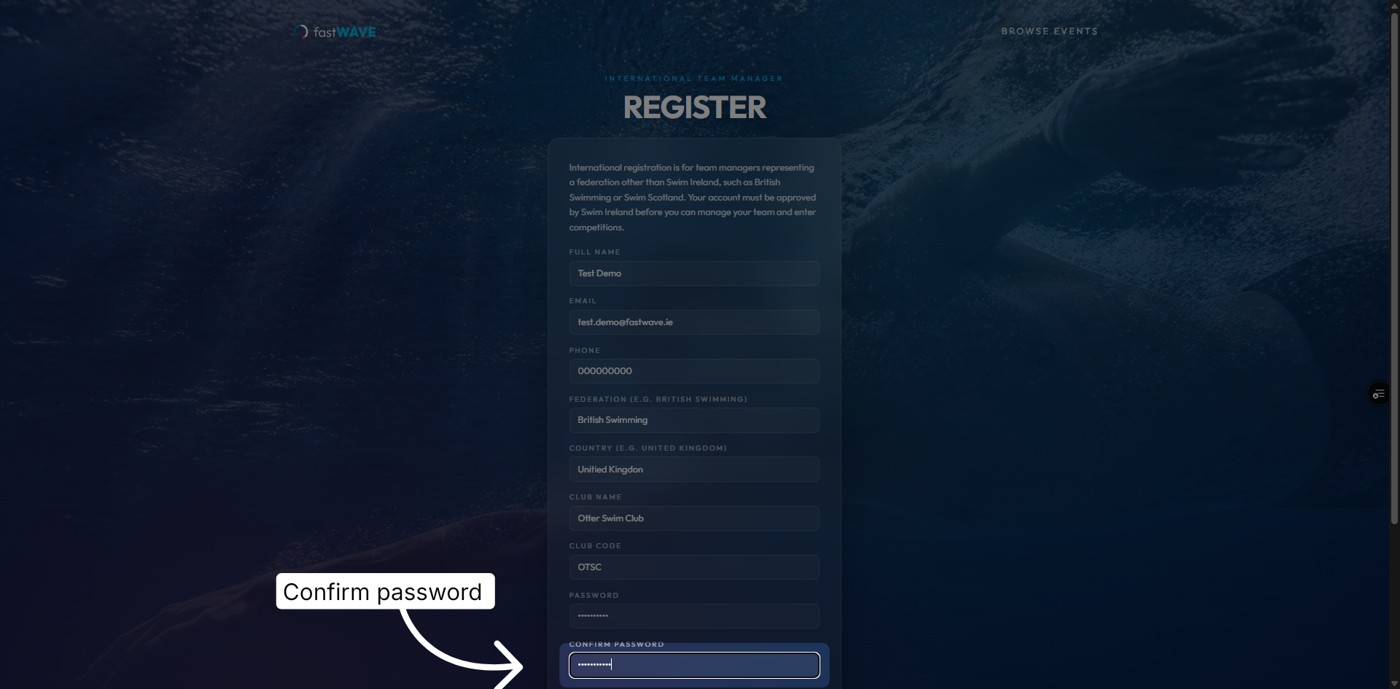
Read the terms, privacy policy and code of conduct. Tick each checkbox to confirm your agreement and acknowledgement.
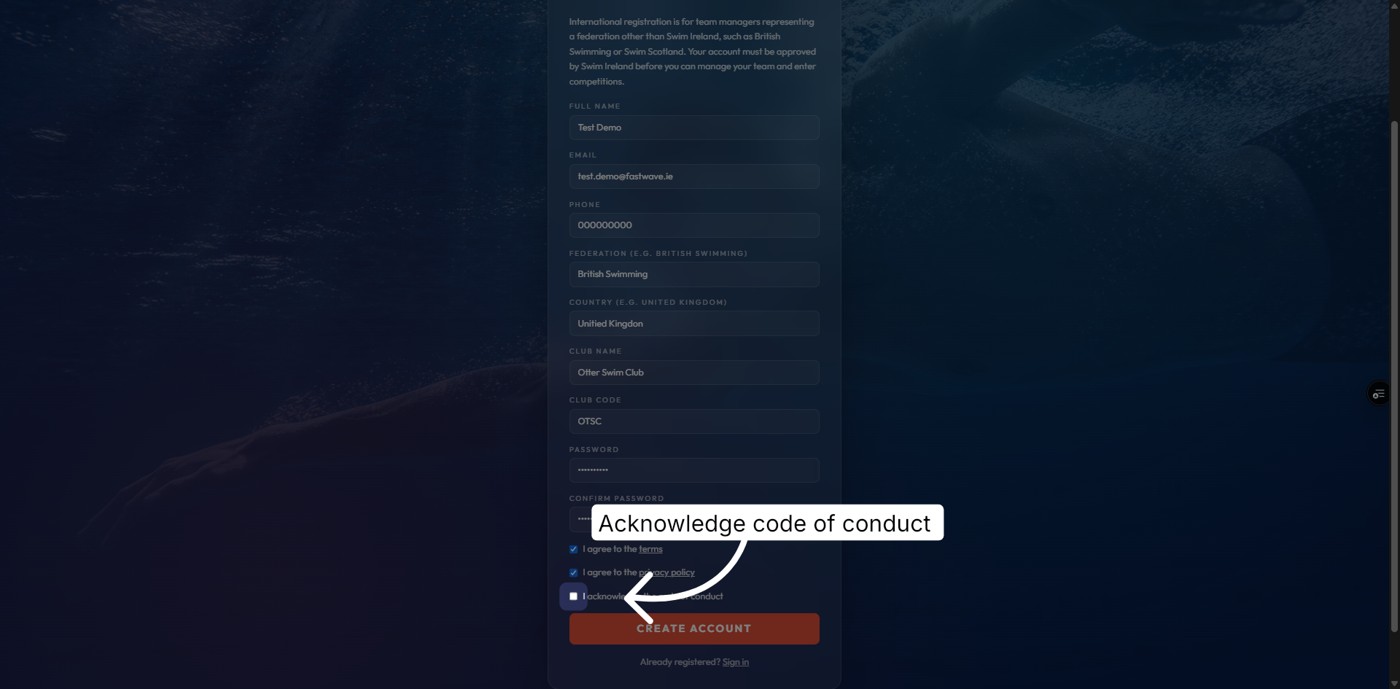
Check your registration details, then click Create account to submit the form.
Tip: The screenshot shows “The passwords don’t match”. If this appears, re-enter matching passwords and submit again.
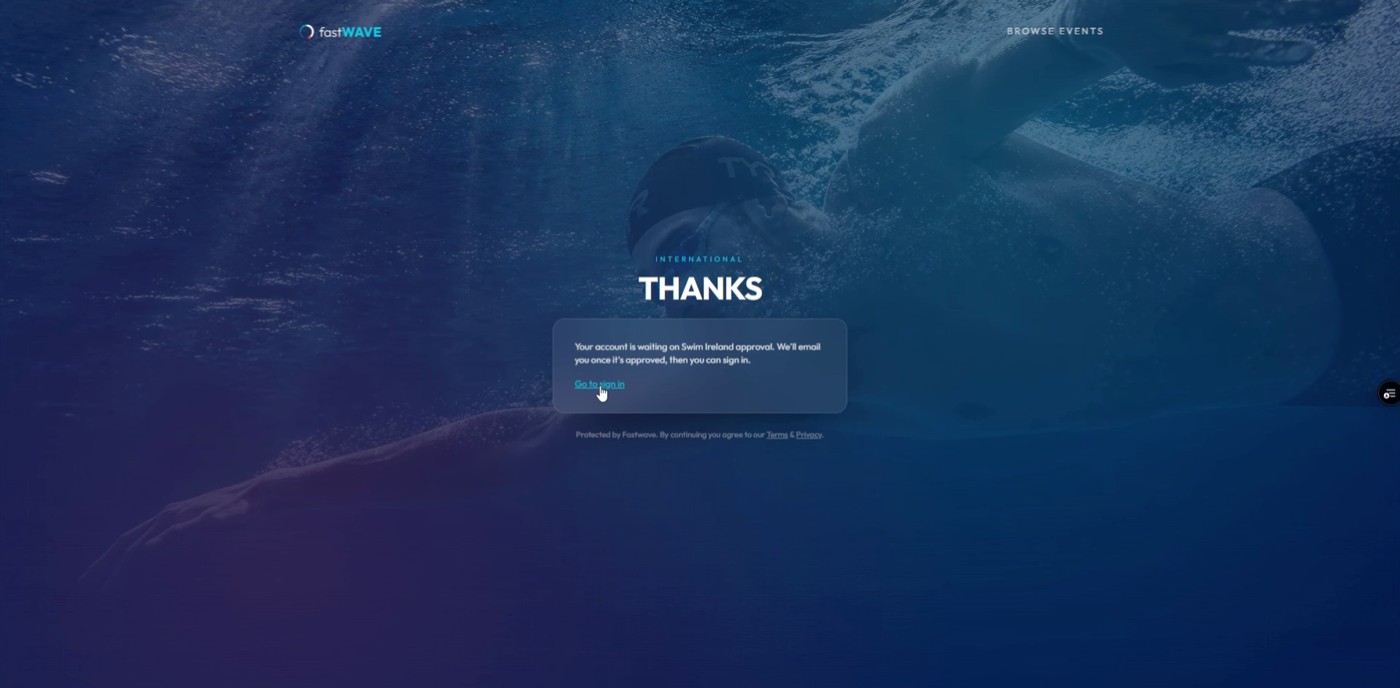
The Thanks page confirms that your account is waiting for Swim Ireland approval. Check your email for the approval notification.
Important: Registration does not give immediate access. Swim Ireland must approve your account before you can sign in and manage your team or enter competitions.
Tip: The notice is a message to read, not a checkbox or extra approval step.
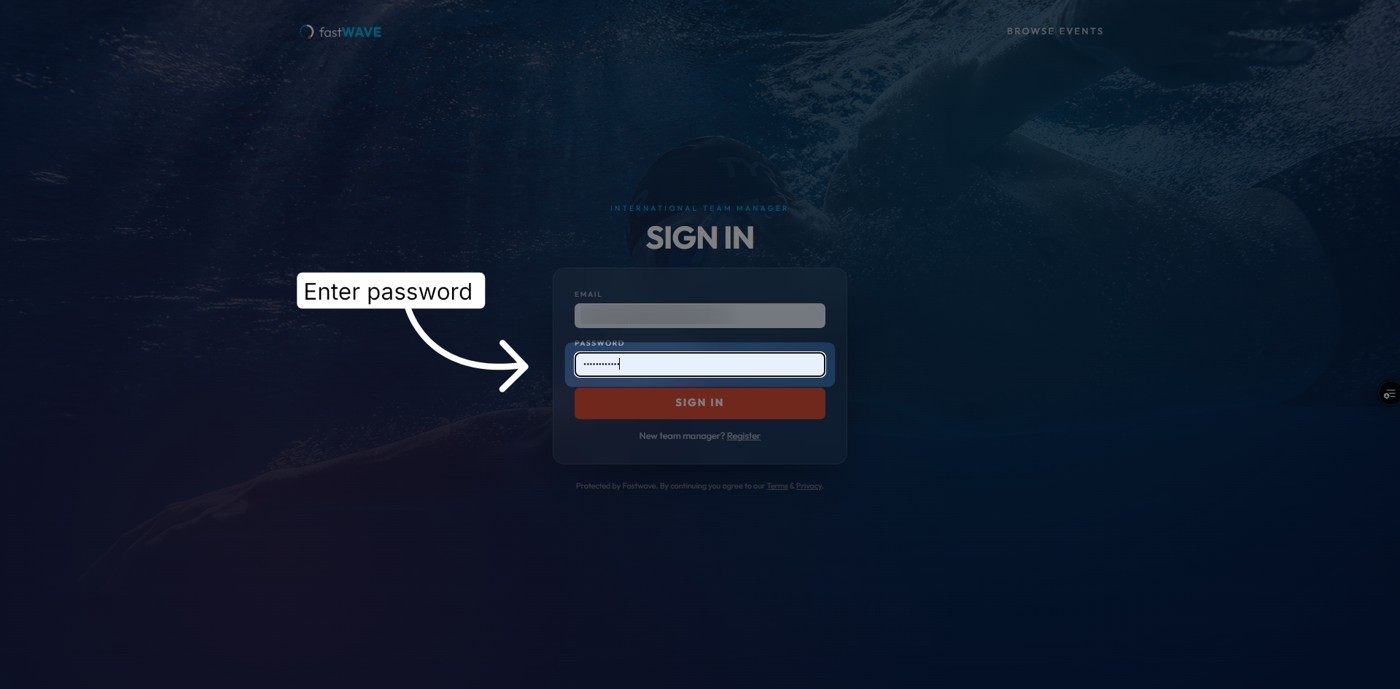
Once the approval email arrives, open the International Team Manager sign-in page. You can use Go to sign in on the Thanks page. Enter your registered email and password, then click Sign in.
Tip: Personal sign-in details have been blurred in this screenshot.
Your registration has been submitted. Once Swim Ireland approves your account and emails you, sign in to begin managing your team.
Back to home page