1
Create an account
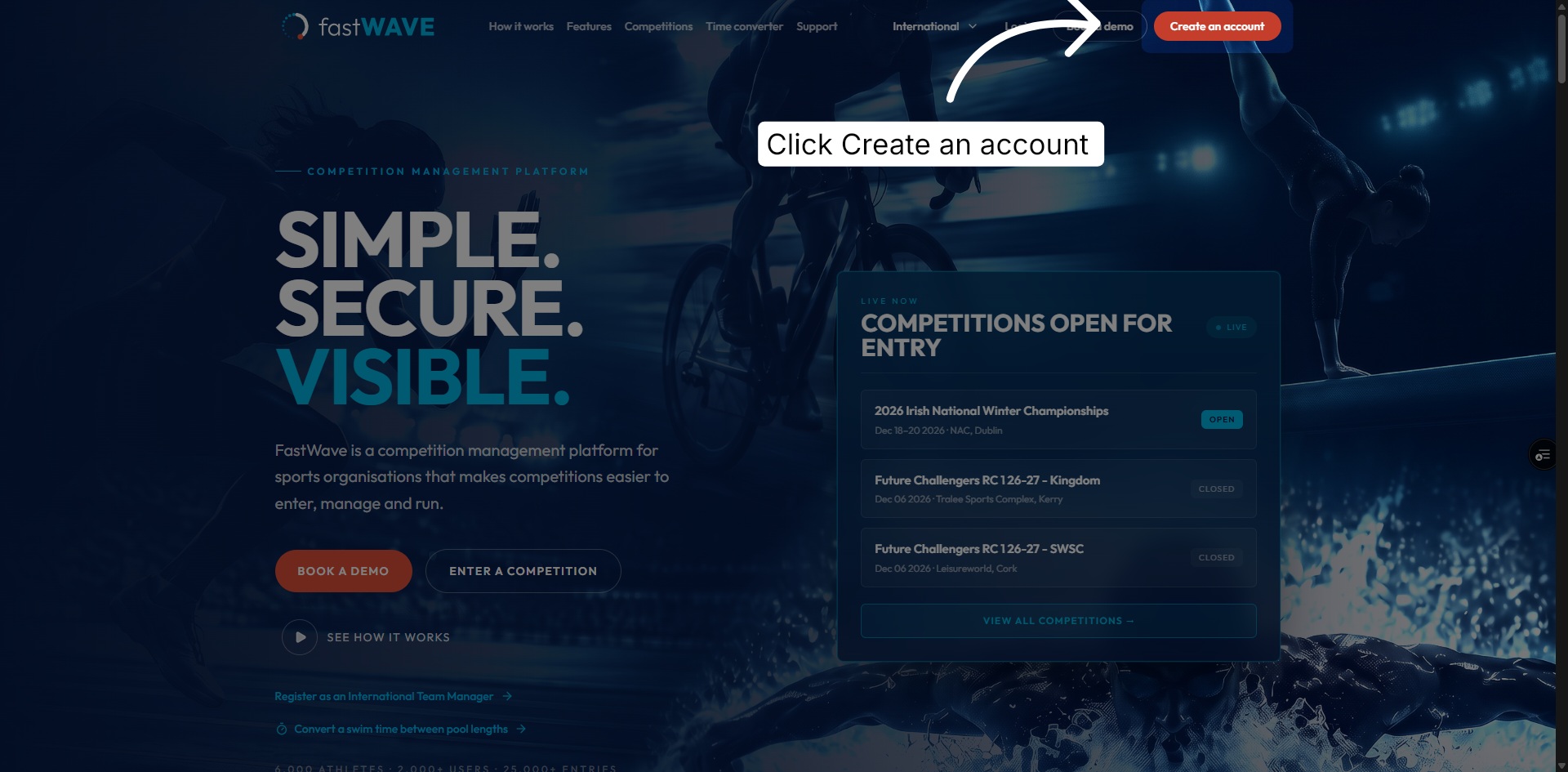
Visit www.fastwave.ie and click Create an account to open the registration form.
Create your Fastwave account, verify your email, choose your club and request coordinator access — in 14 clear steps.
Visit www.fastwave.ie and click Create an account to open the registration form.
Fill in First name, Last name and Email address with your own details. Use an email address you can access for verification.
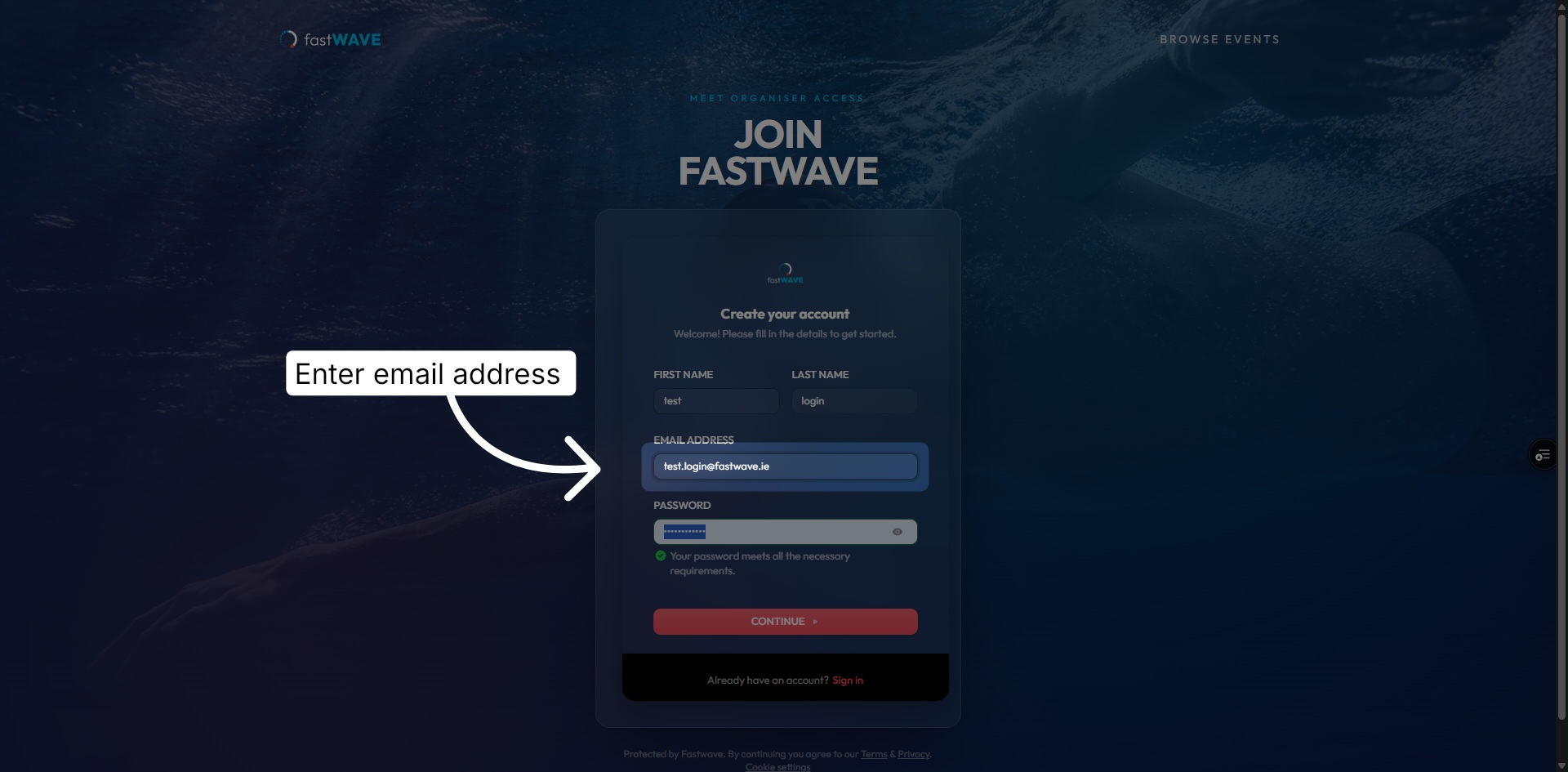
Enter a secure password in the Password field. Check that the form confirms it meets the necessary requirements.
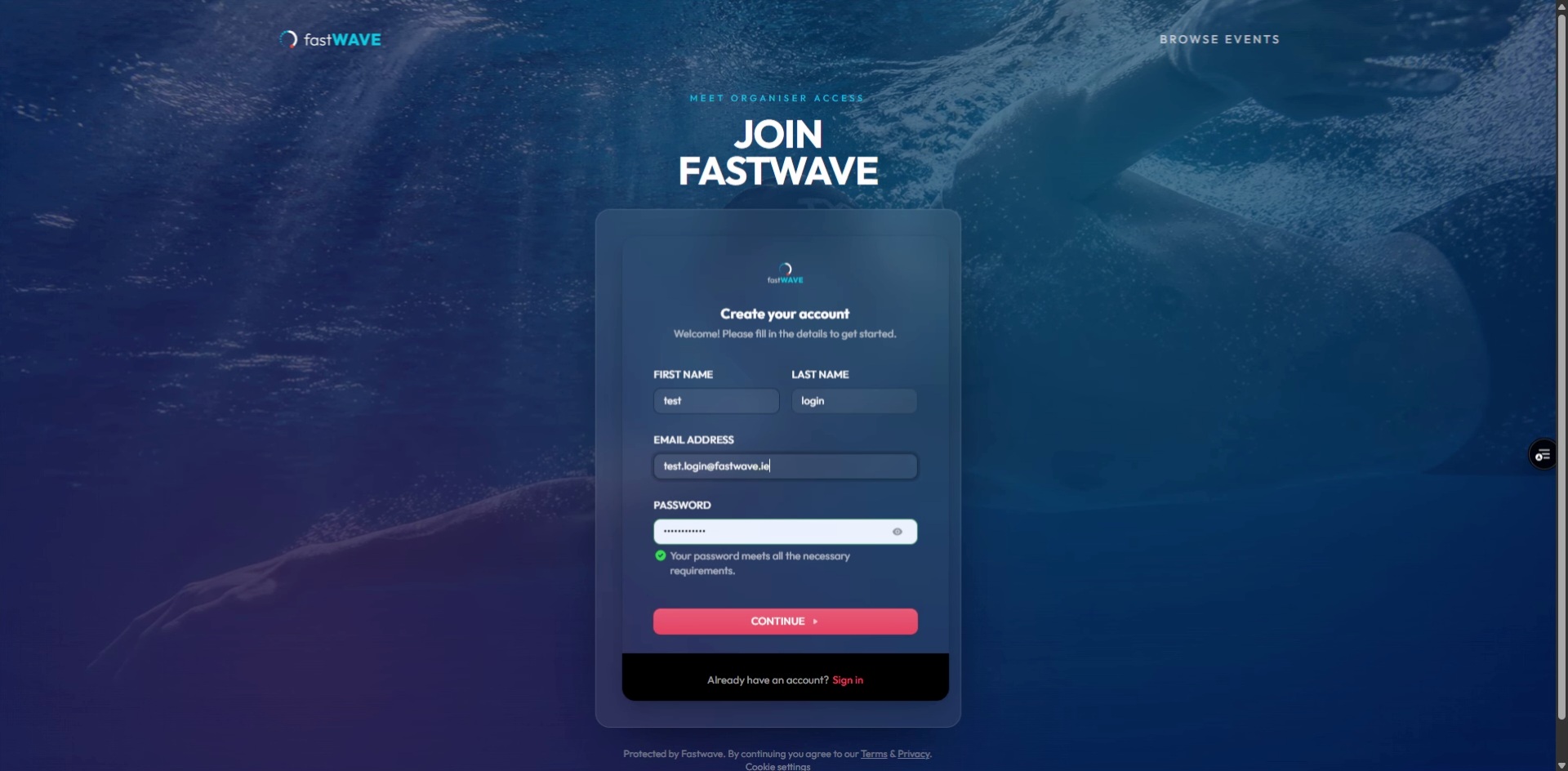
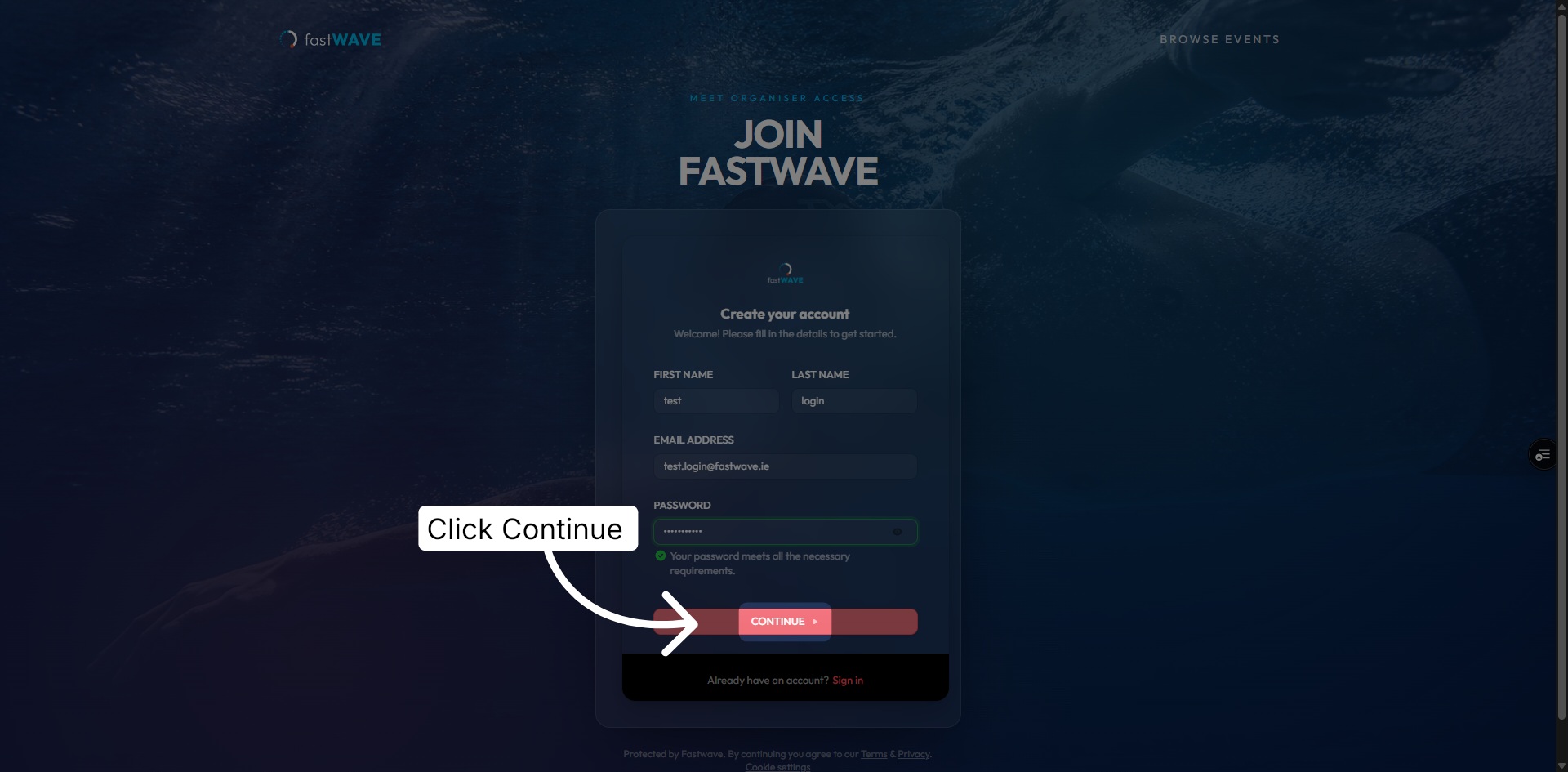
Check your details, then click Continue to move to email verification.
Open the inbox for the email address you used to register. Find the Fastwave verification email and note the code. Tip: If you cannot see the email, check your spam or junk folder.
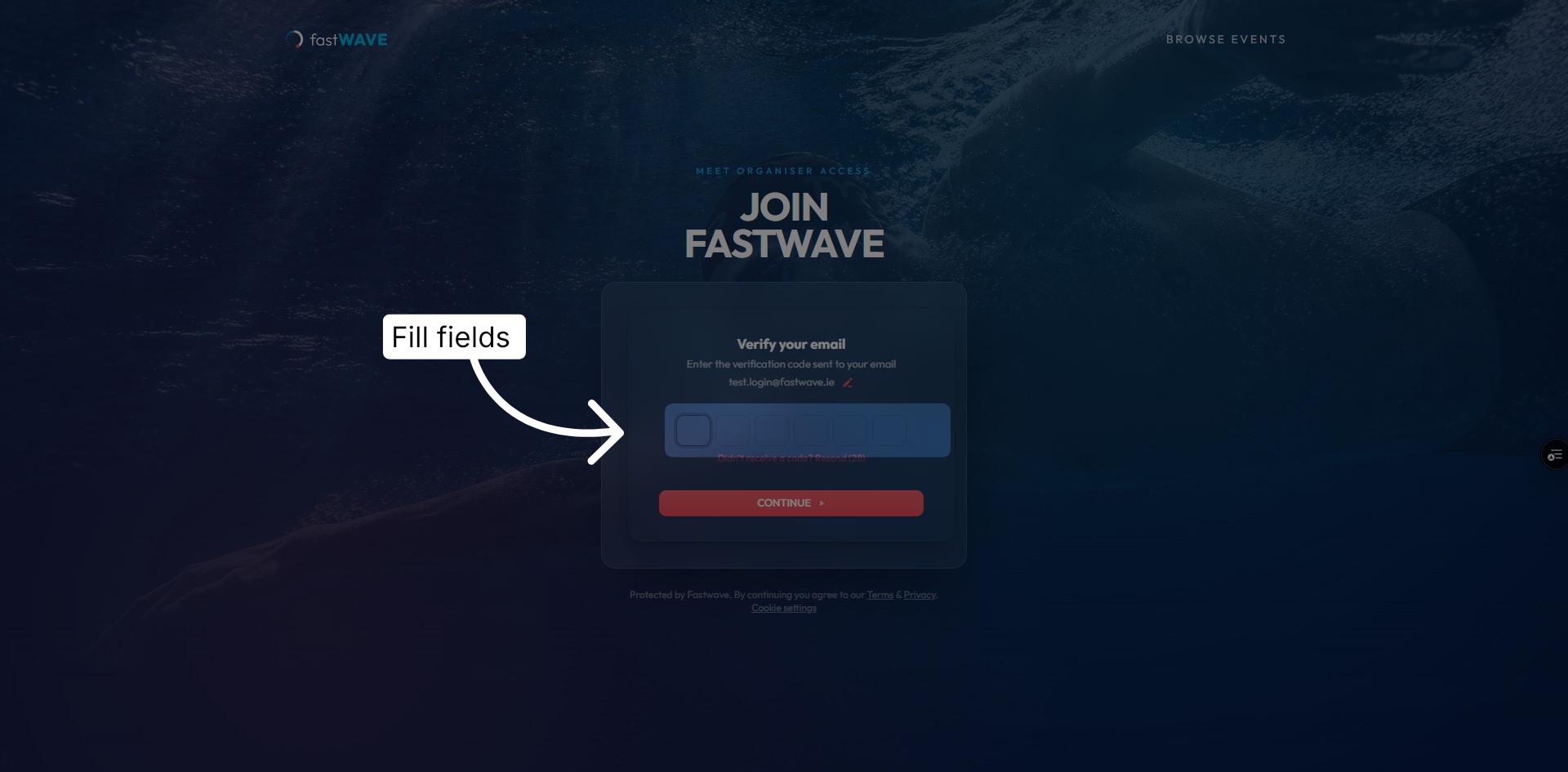
Return to Fastwave and enter the code from your email in the verification code field. Complete the verification to continue to your account details.
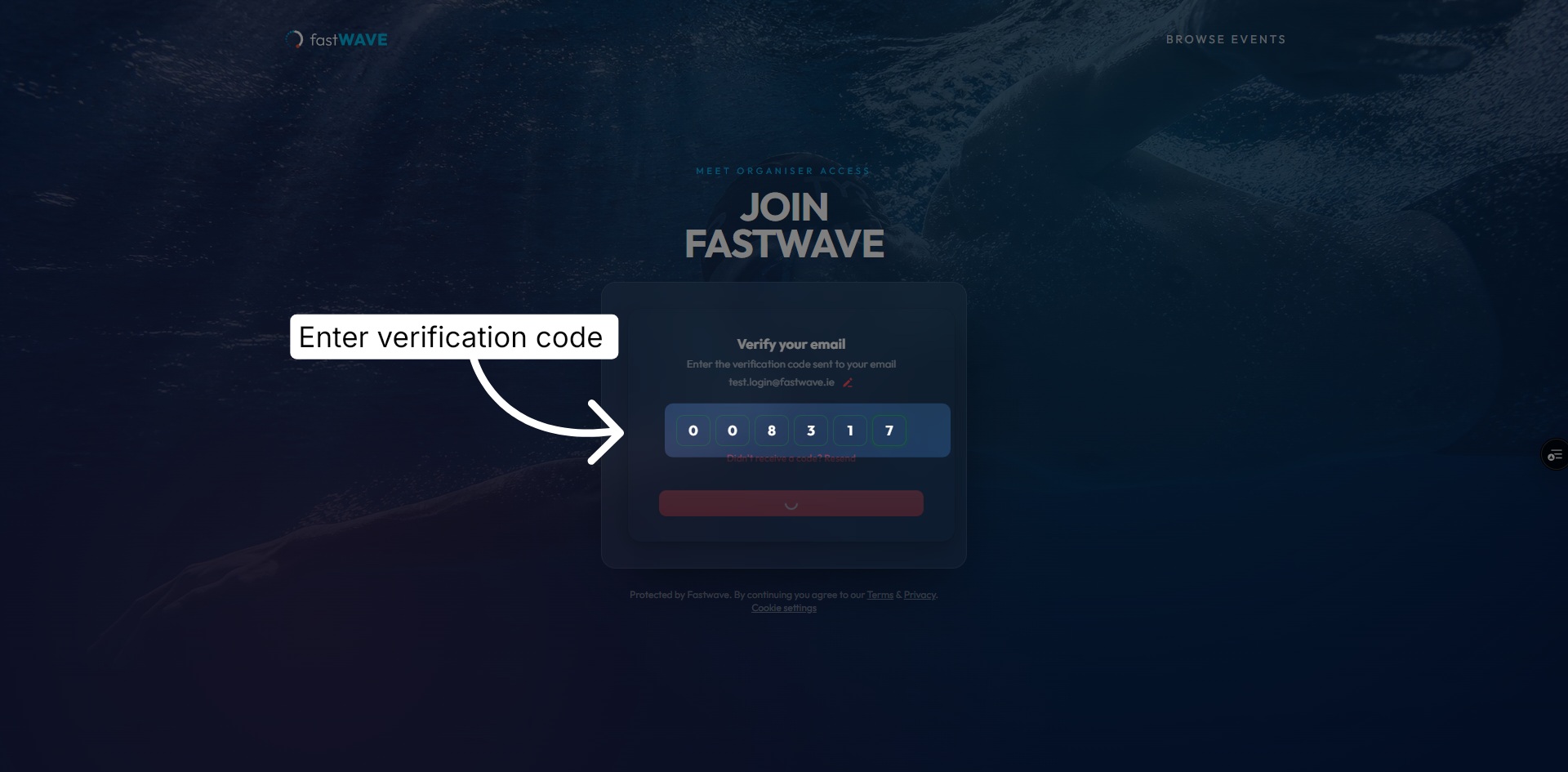
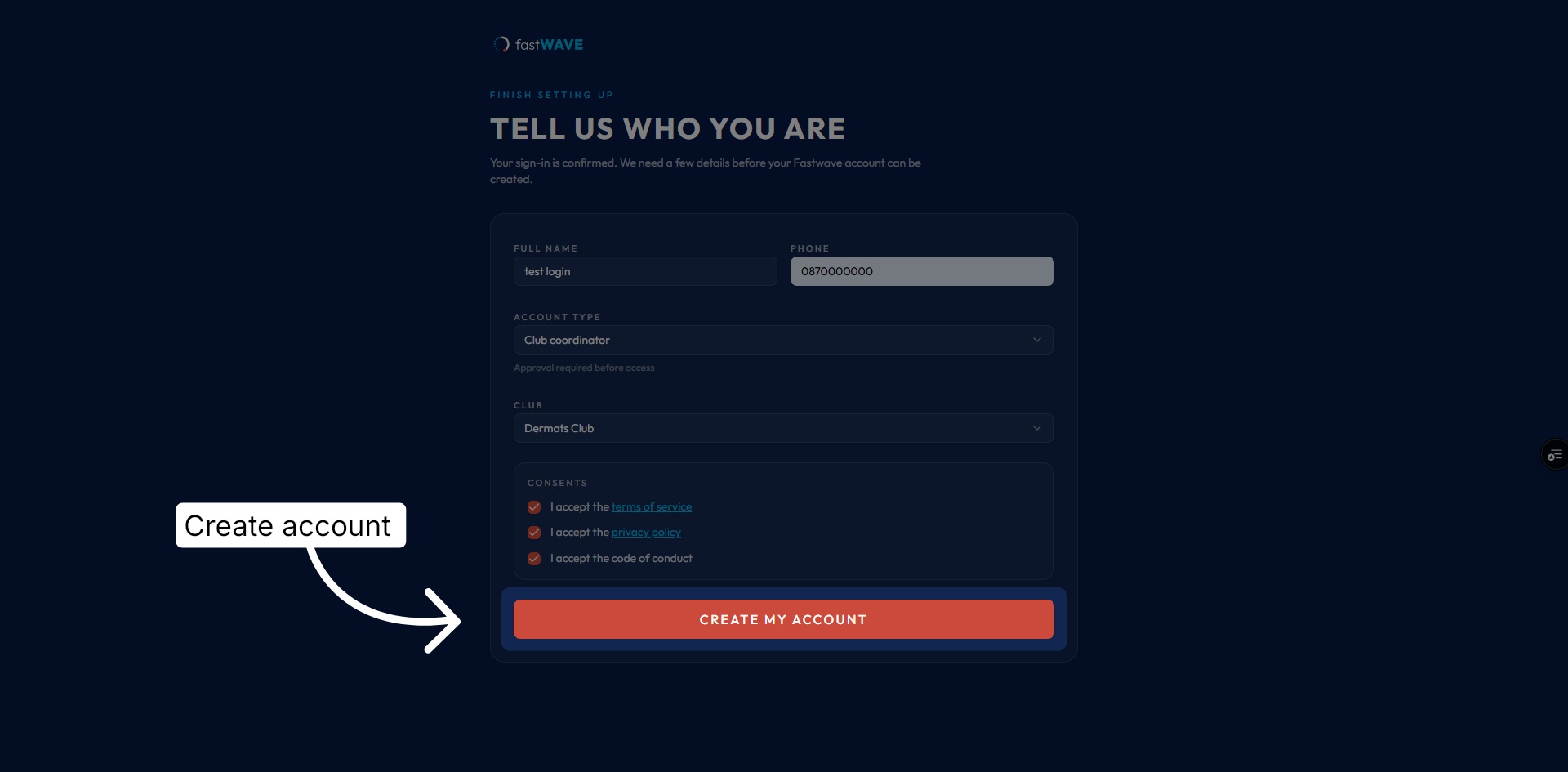
In Tell us who you are, check your name and enter your contact number in Phone.
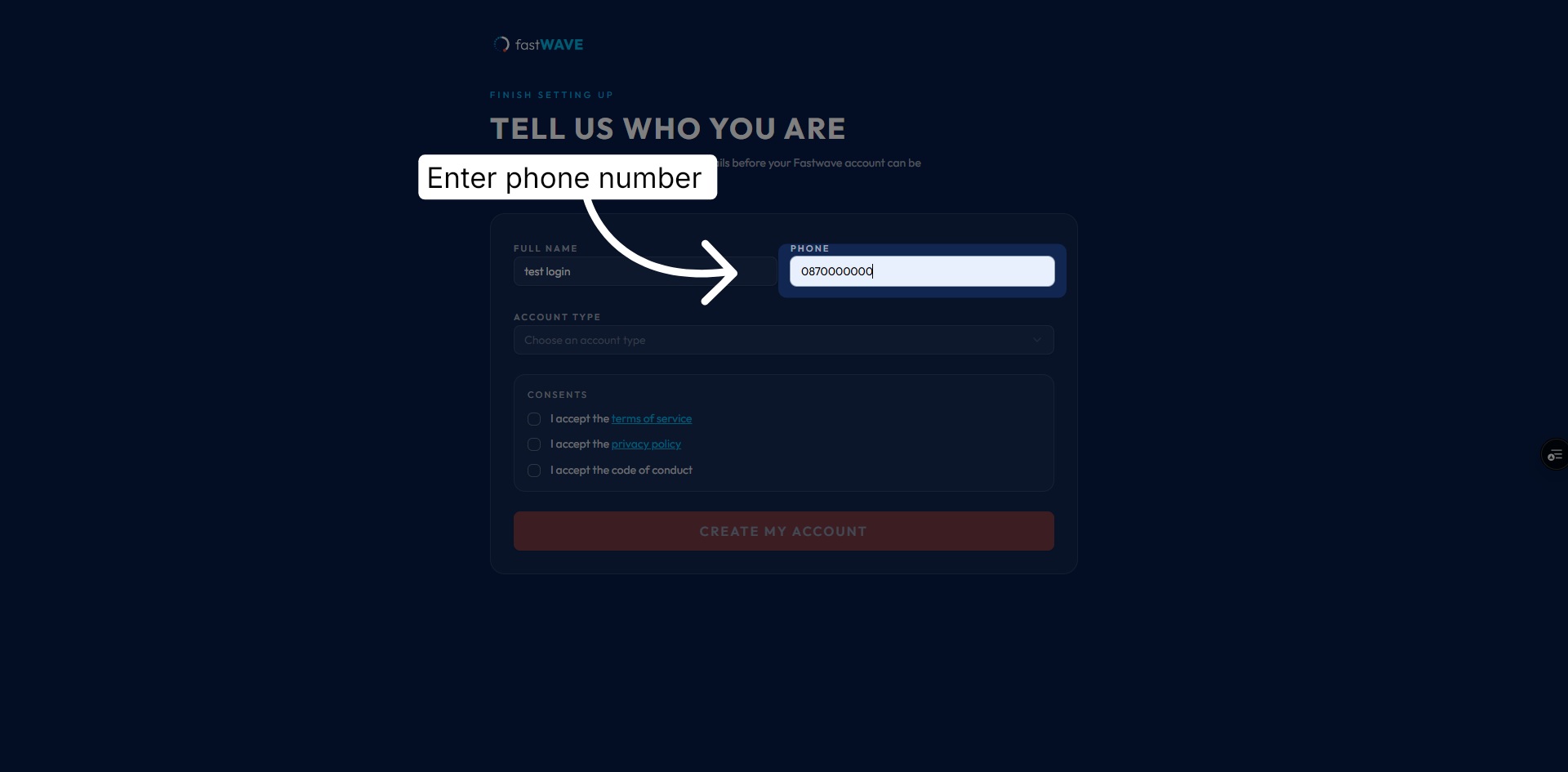
Open Account type and select Club coordinator.
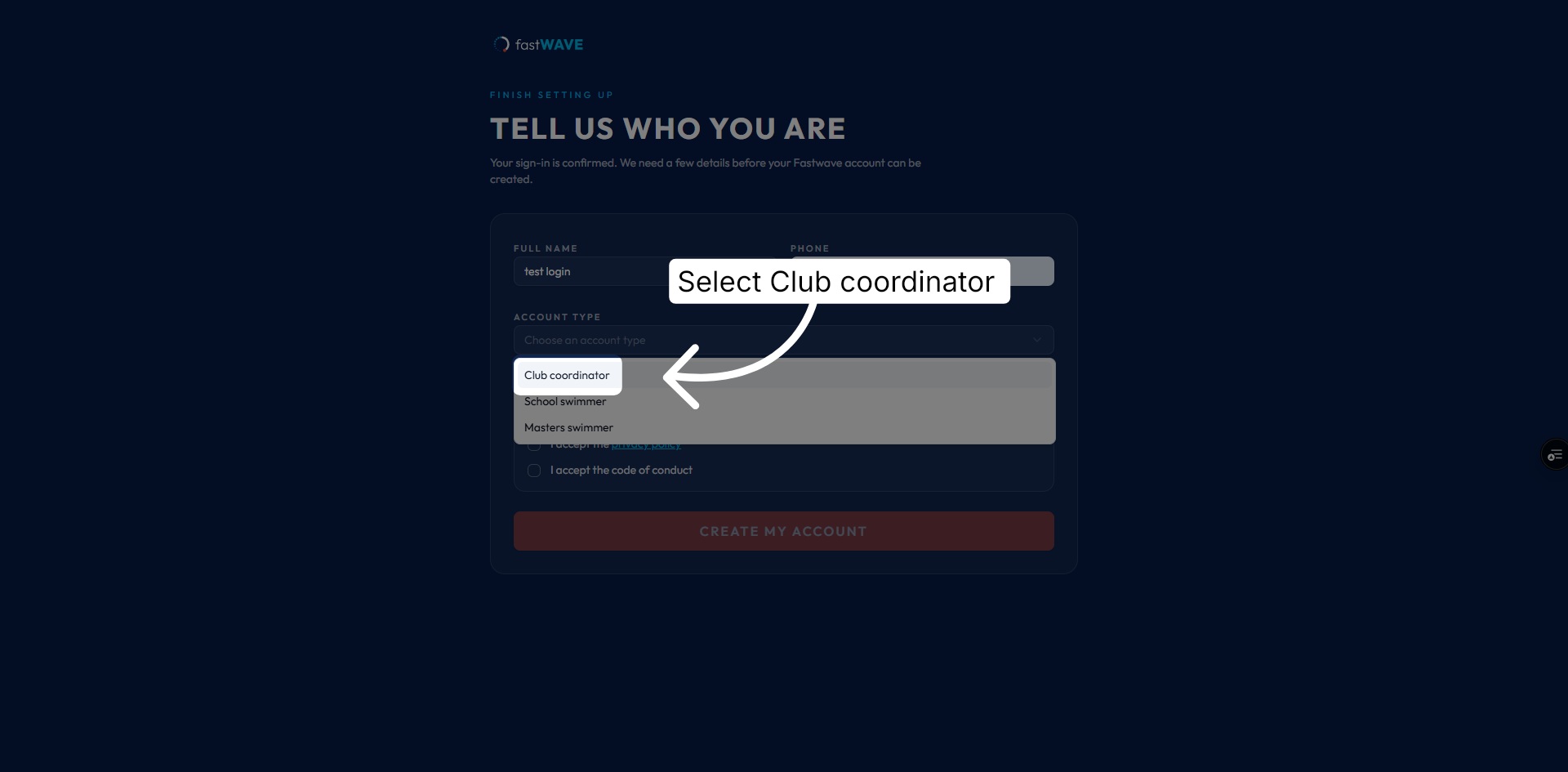
Open the Club list and choose the club you represent. Check your selection before continuing.
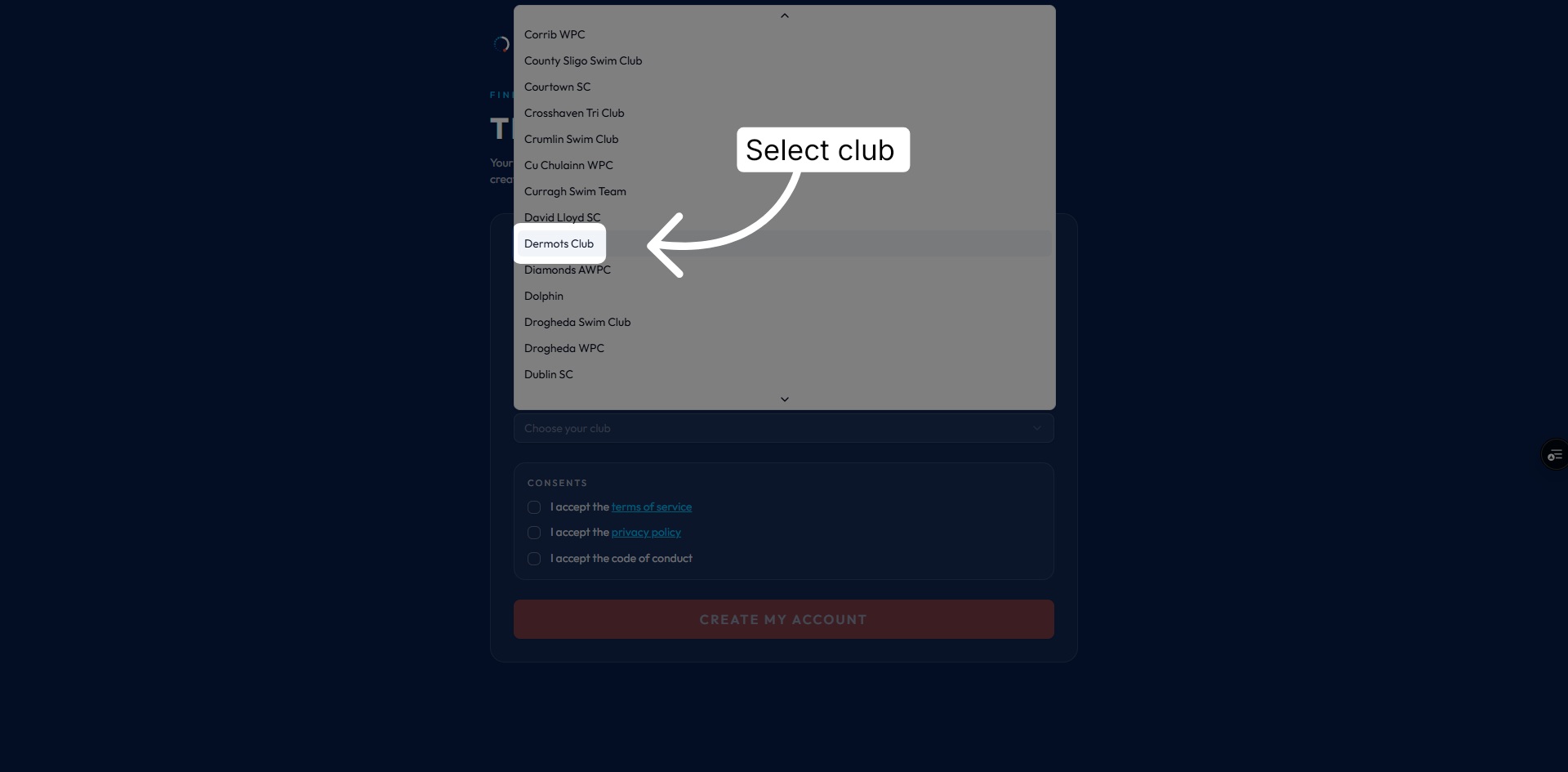
Read the terms of service using the link, then tick the matching checkbox to accept them.
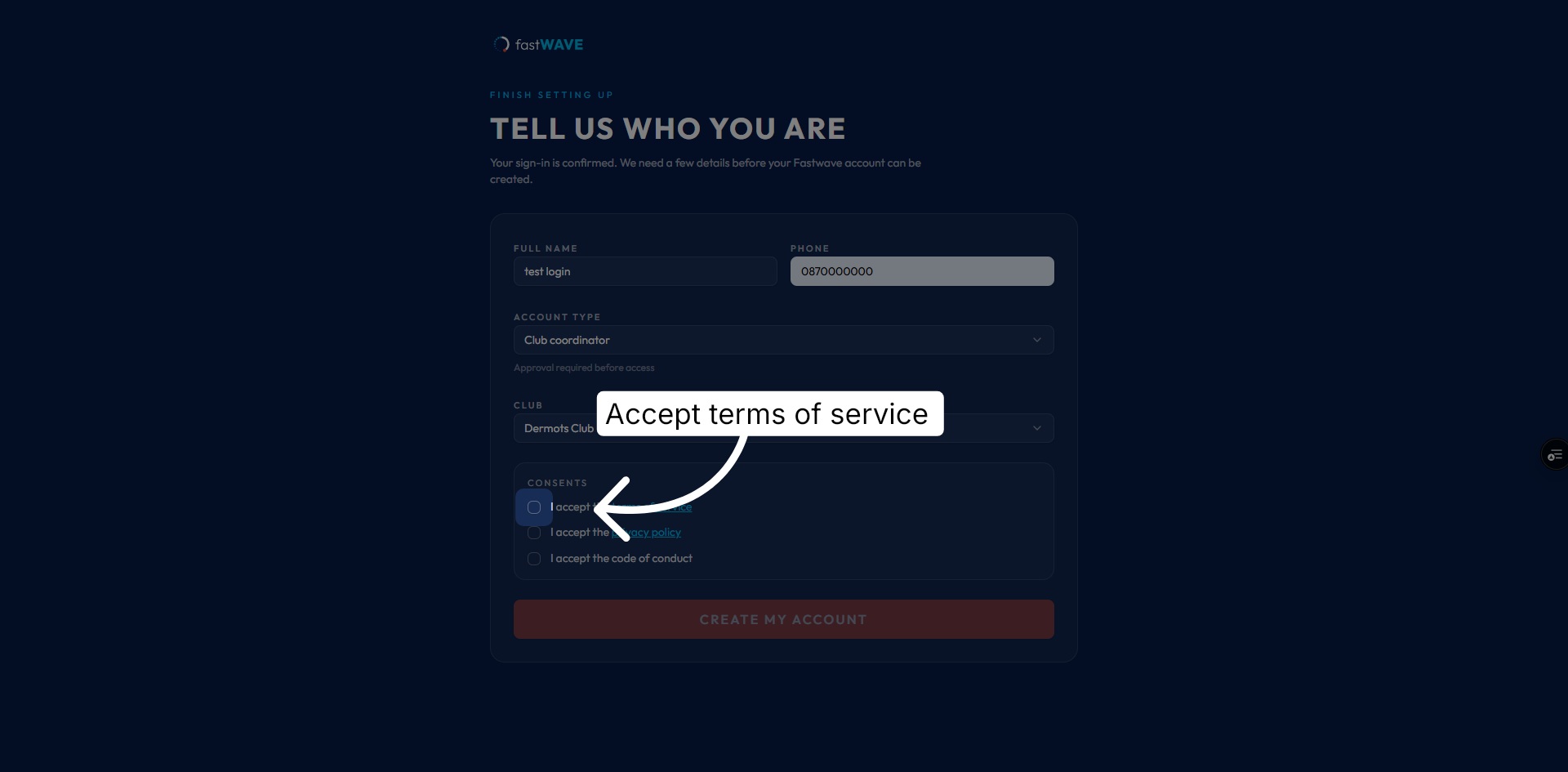
Read the privacy policy, then tick the matching checkbox.
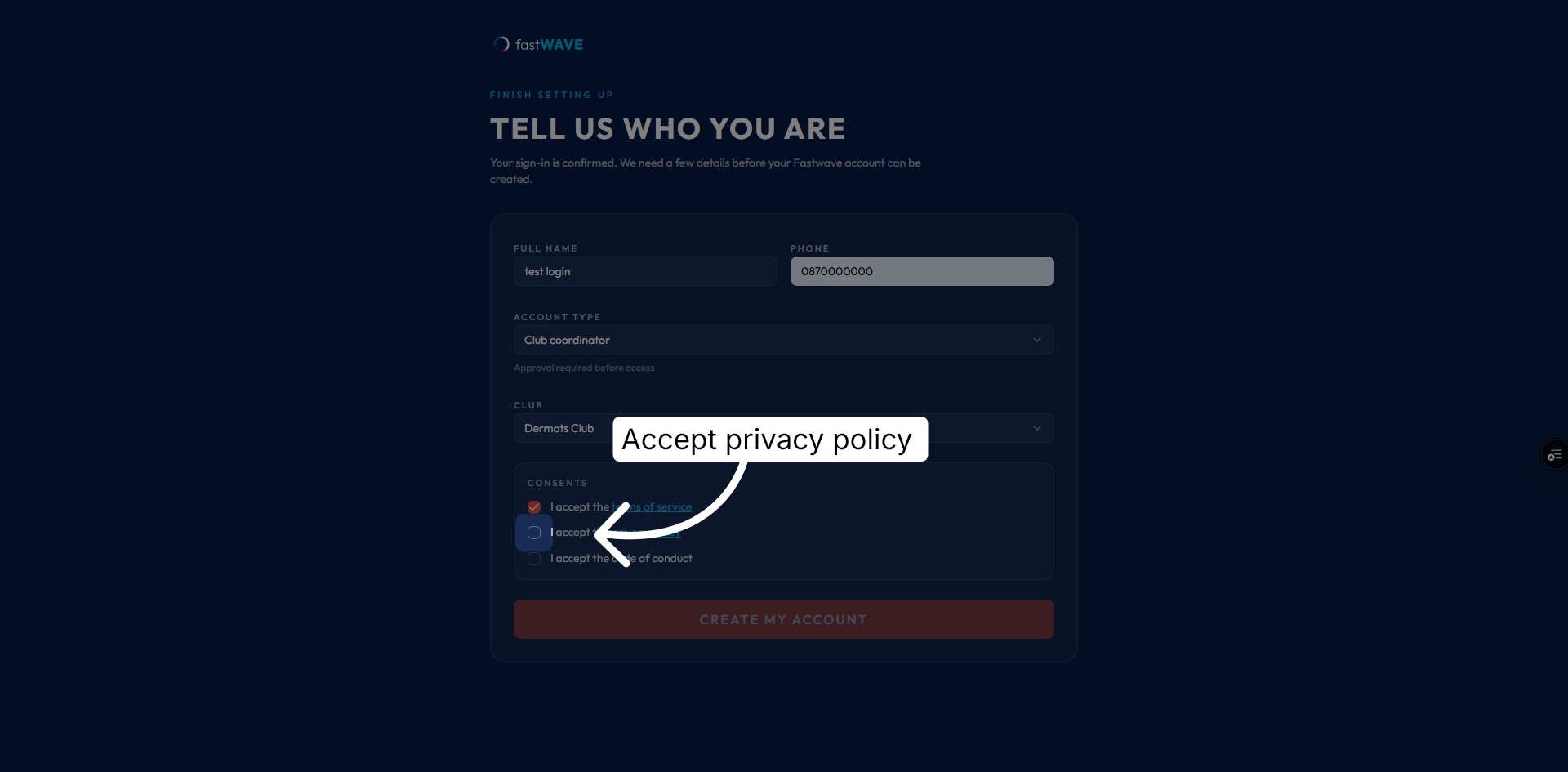
Read the code of conduct, then tick its checkbox. Check that all three agreements are selected.
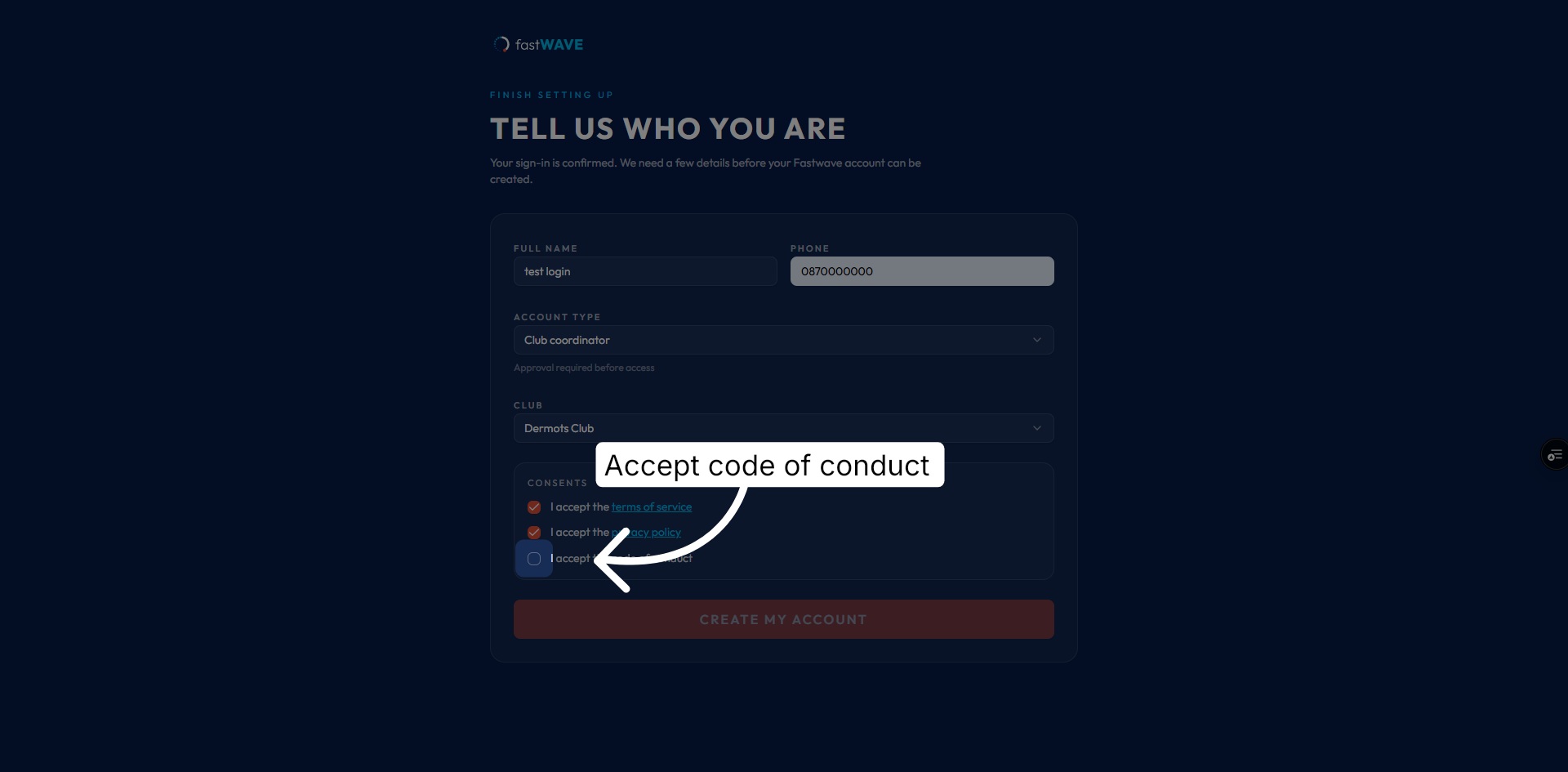
Review your contact details, account type, club and agreements. Click Create my account to submit your registration.
The next page confirms that your account is waiting for a Fastwave super-admin. Click Sign out when you have finished. You can return later to check your access. Important: Creating your account does not grant immediate club coordinator access. A Fastwave super-admin must approve the requested permissions before they are activated.
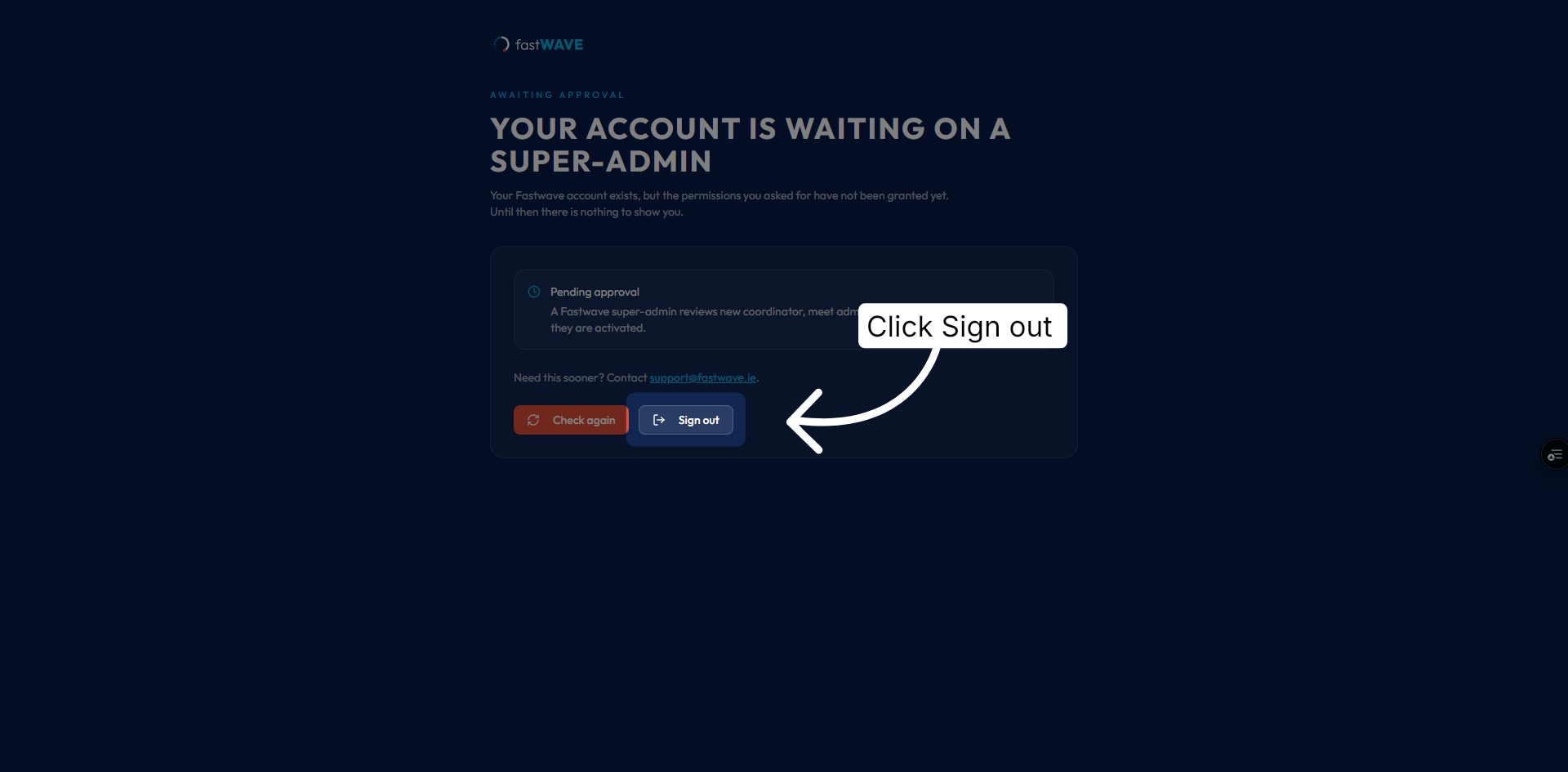
Your account has been created and your coordinator access is awaiting approval. Sign out when you are finished, and return to Fastwave once your access has been approved.
Back to home page